logo falcao Dev
.../projects

C Design

A website and back office for C Design, a textile customisation workshop in Brussels, built for a real client and in production today. Since launch the number of leads went up 40%.

The client was losing customers before the sale: every estimate needed a phone call and a manual quote. I proposed and built a nine-step quoting engine where the customer configures the garment, the print and the quantities and gets a price on the spot. Each estimate lands in the back office as a qualified lead with the full configuration attached.

Two of us built it, one other developer and me, and we delivered from concept to handover in under two months. I was the only technical decision maker: architecture, schema, deployment. Next.js in French, Dutch and English over a REST API on Node, Express, Prisma and Postgres, with school campaigns paid online through Mollie.

Project name
C Design

Frontend

  • Next.js
  • React
  • TanStack Query
  • Tailwind CSS

Backend

  • Node.js
  • Express
  • Prisma
  • PostgreSQL
  • Onion Architecture
  • Firebase Auth
  • Mollie

Tooling

  • TypeScript
  • Docker
  • GitHub Actions CI/CD
+40%
Leads since launch

Reported by the client, comparing enquiries received after the launch with the months before it.

< 2 months
From concept to client handover

Project dates on the CV, February to March 2026, with a team of two.

9 steps
In the quoting engine

Garment type, weight, fit, technique, placement, design, client type, products and contact. One question per screen.

3
Languages on the site

French, Dutch and English, switchable on every page including the back office.
The walkthrough

4 sections
01 / 04

The quoting engine

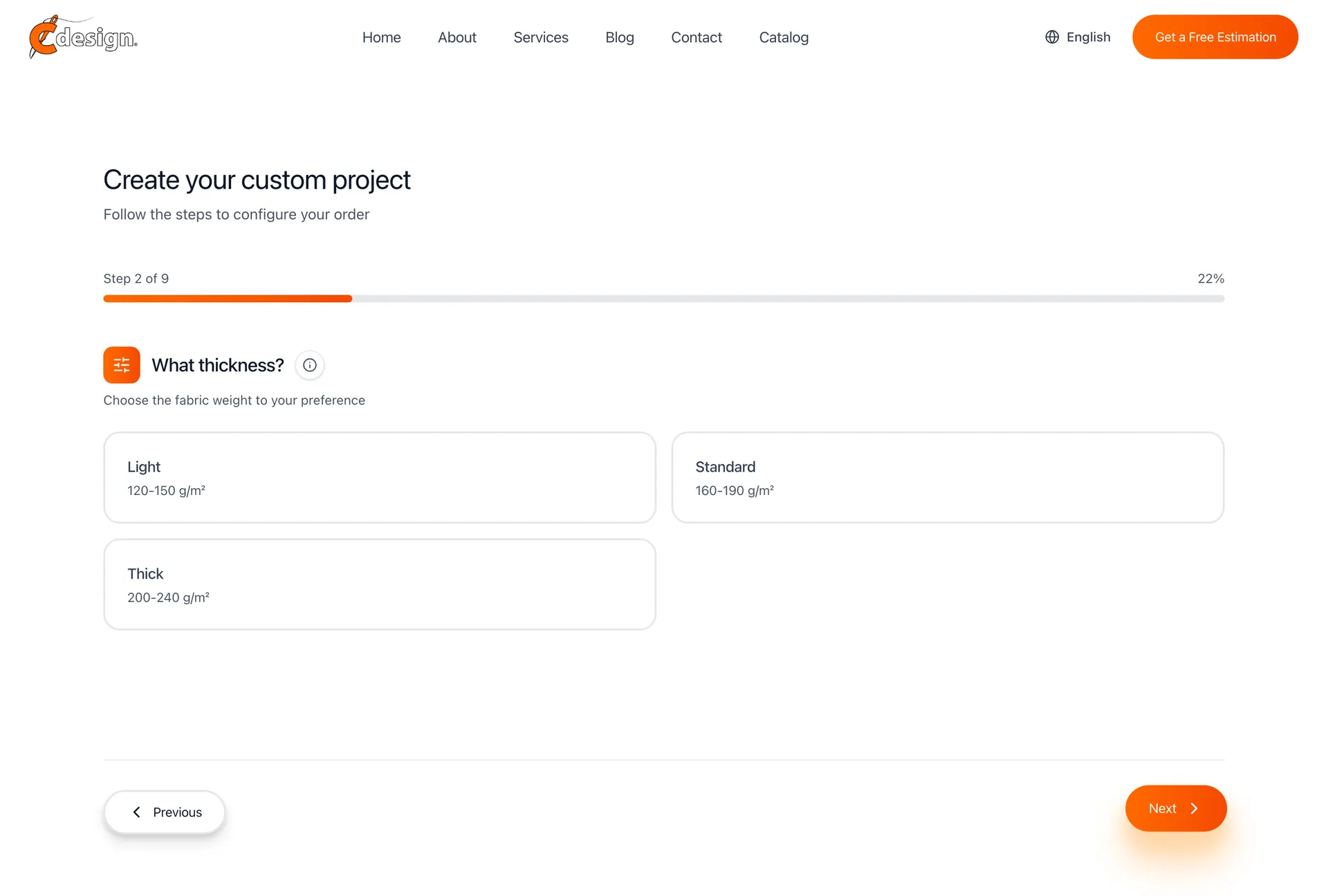
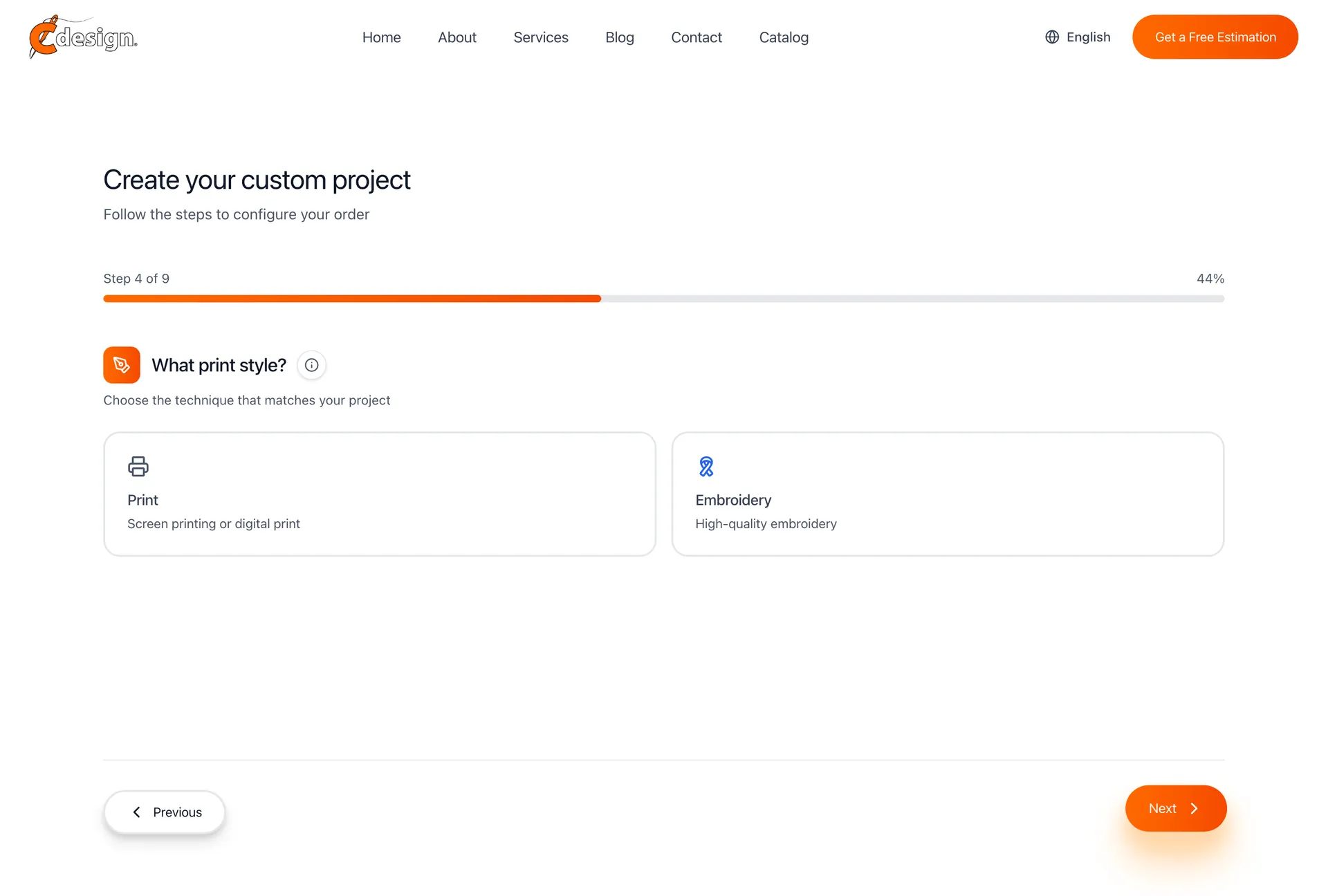
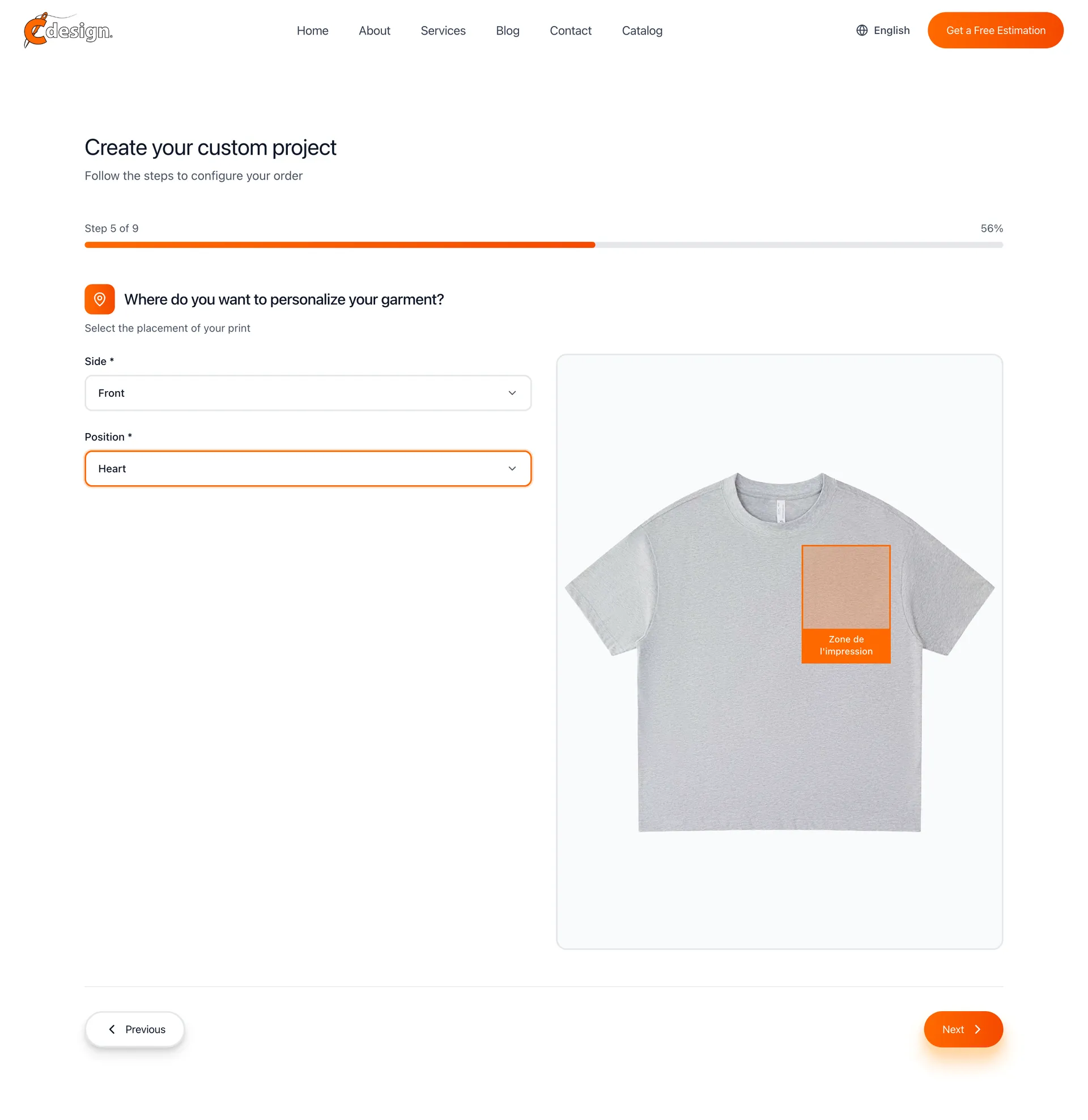
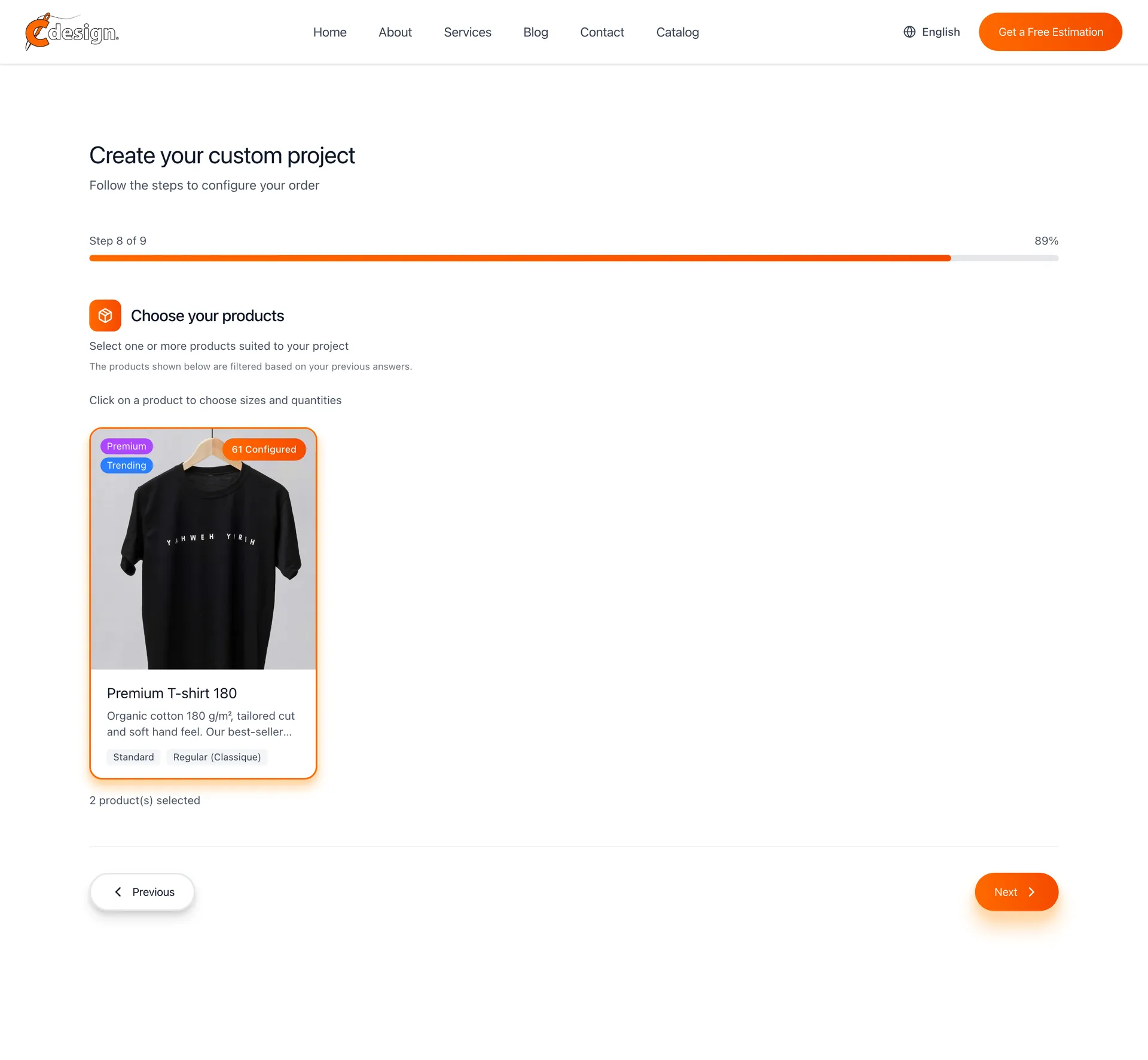
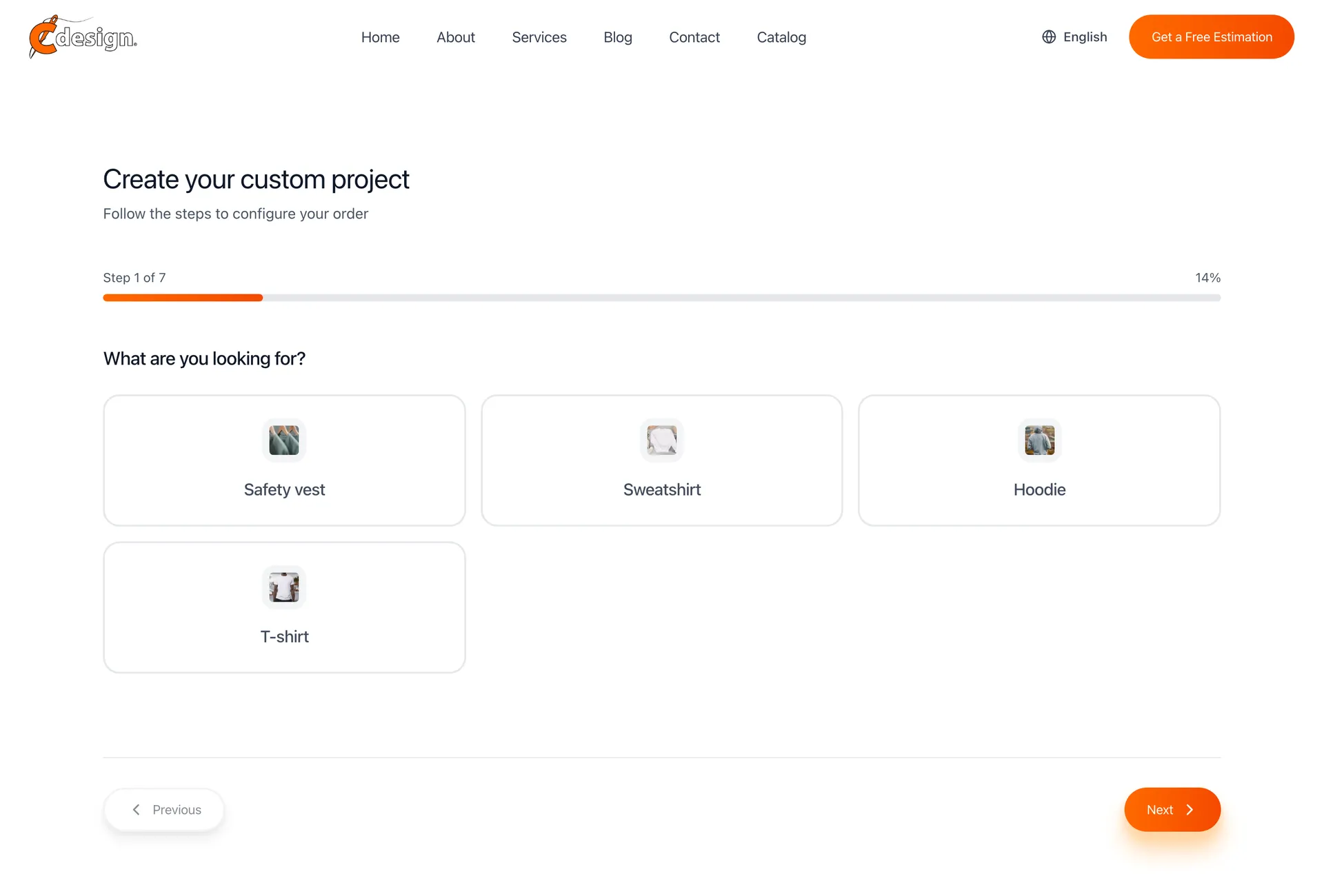
Customers were dropping off before buying because every estimate needed a phone call. Nine questions later they have a price computed from the catalogue, and the workshop has a qualified lead with the whole configuration attached.
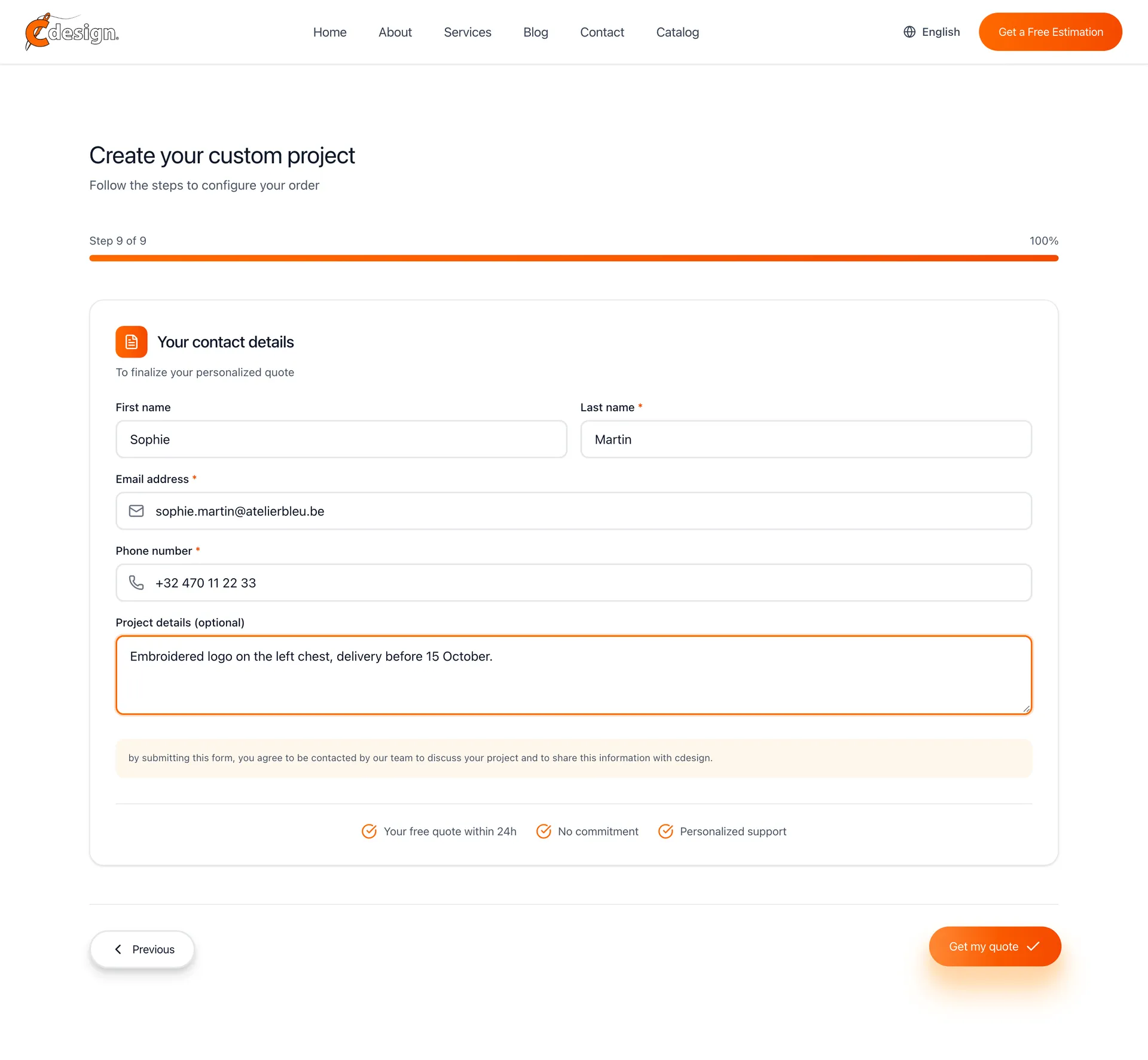
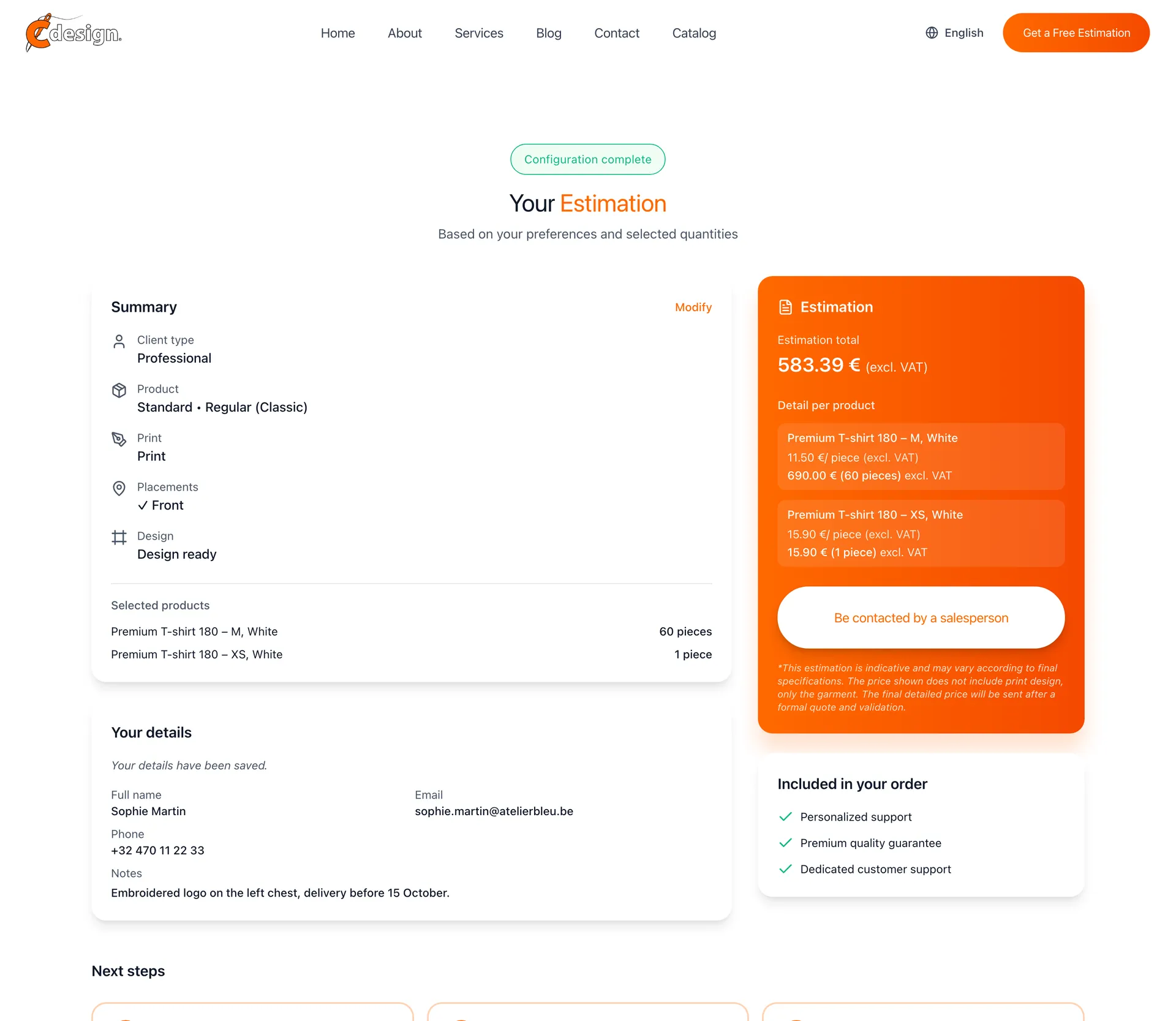
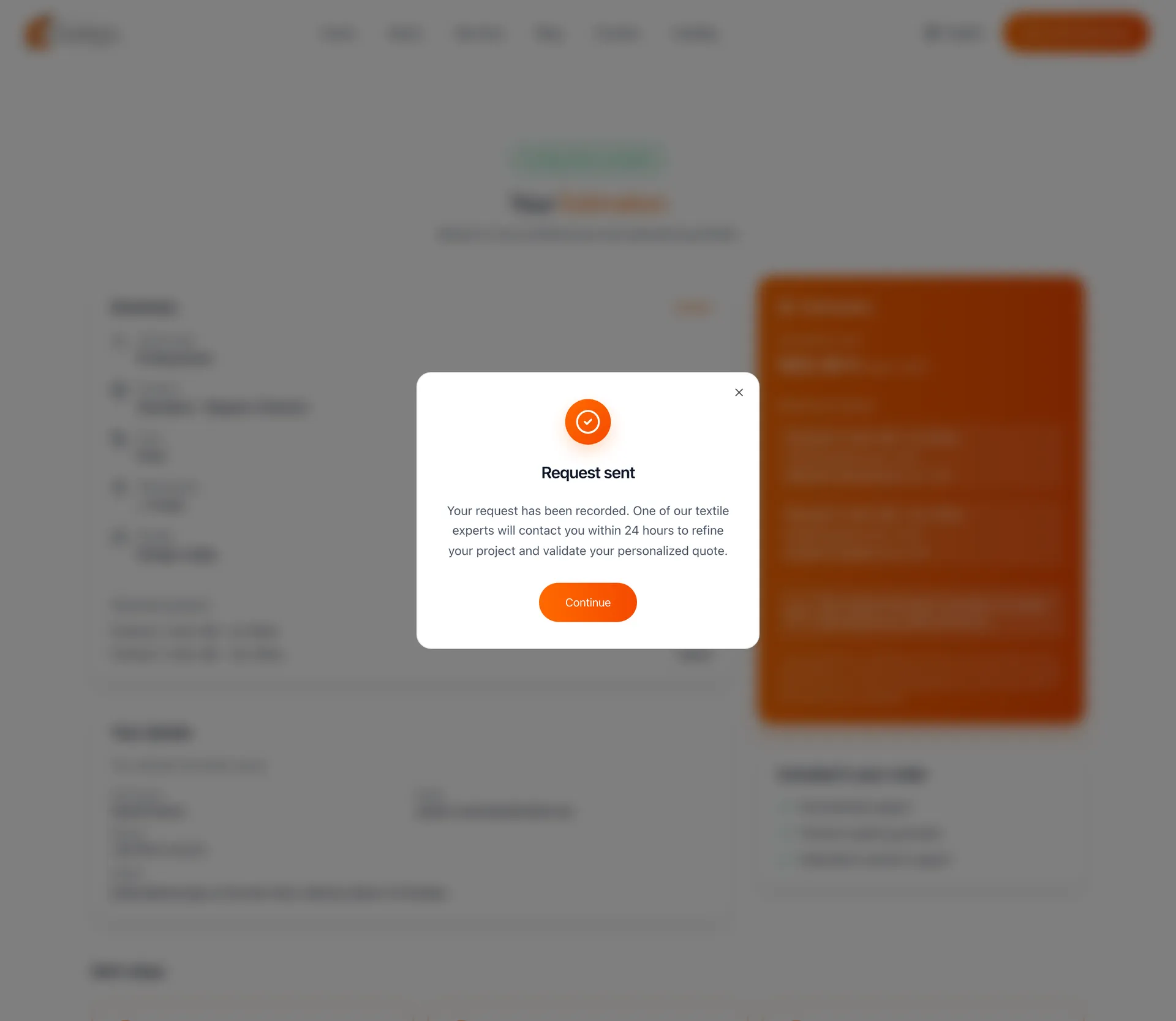
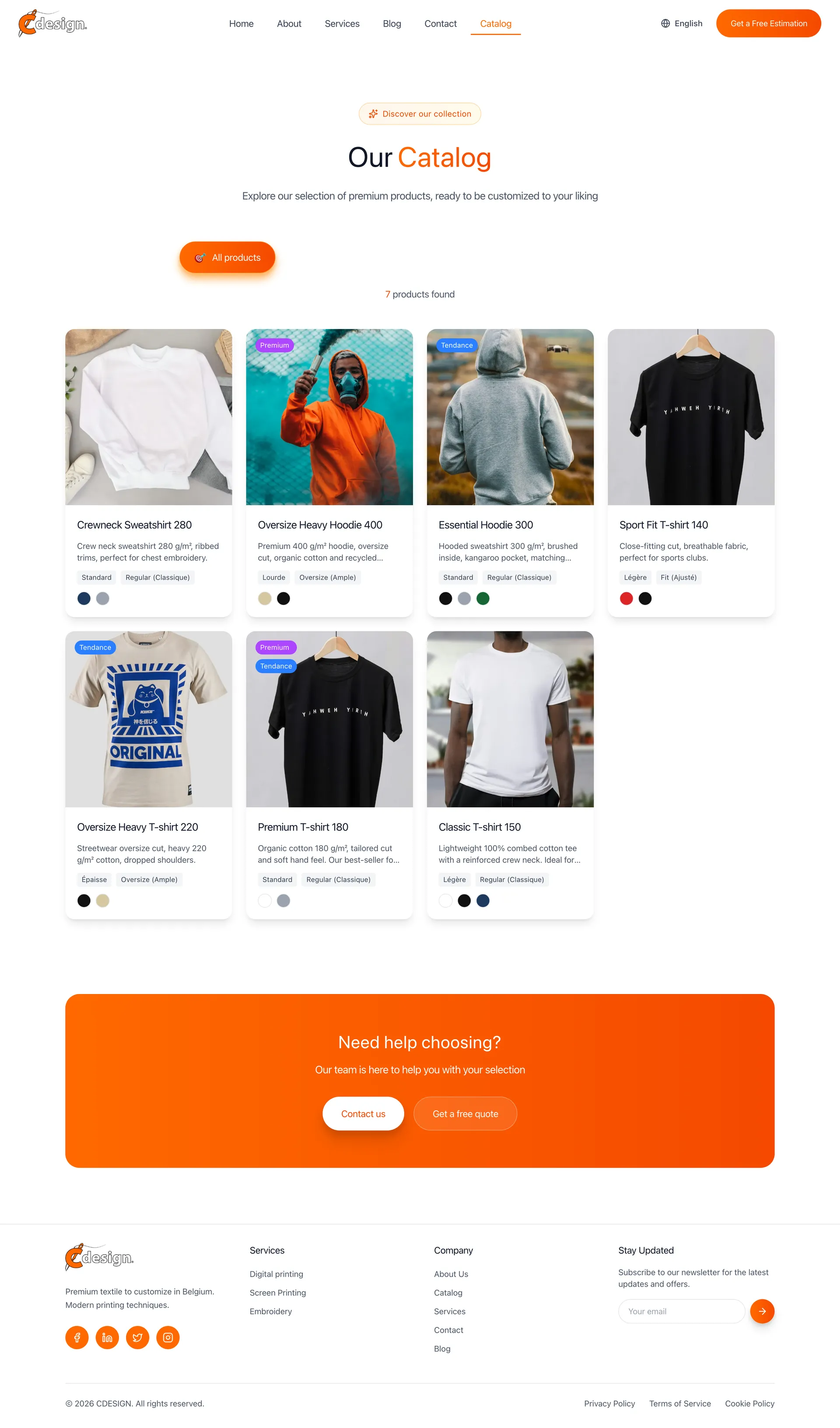
Quoting engine step one: choosing the garment typeQuoting engine step two: choosing the fabric weightQuoting engine step four: choosing the printing techniqueQuoting engine step five: print placement chosen on the front of the garmentQuoting engine step eight: products, sizes and quantities chosenQuoting engine step nine: contact details filled inQuoting engine result: the summary, the estimated total per product and a button to be contacted by a salespersonConfirmation that a salesperson will contact the customer about the estimate
02 / 04

The site, in three languages

Brussels speaks French, Dutch and English, so the site does too. Landing, services, catalogue and a blog the client writes from the back office.

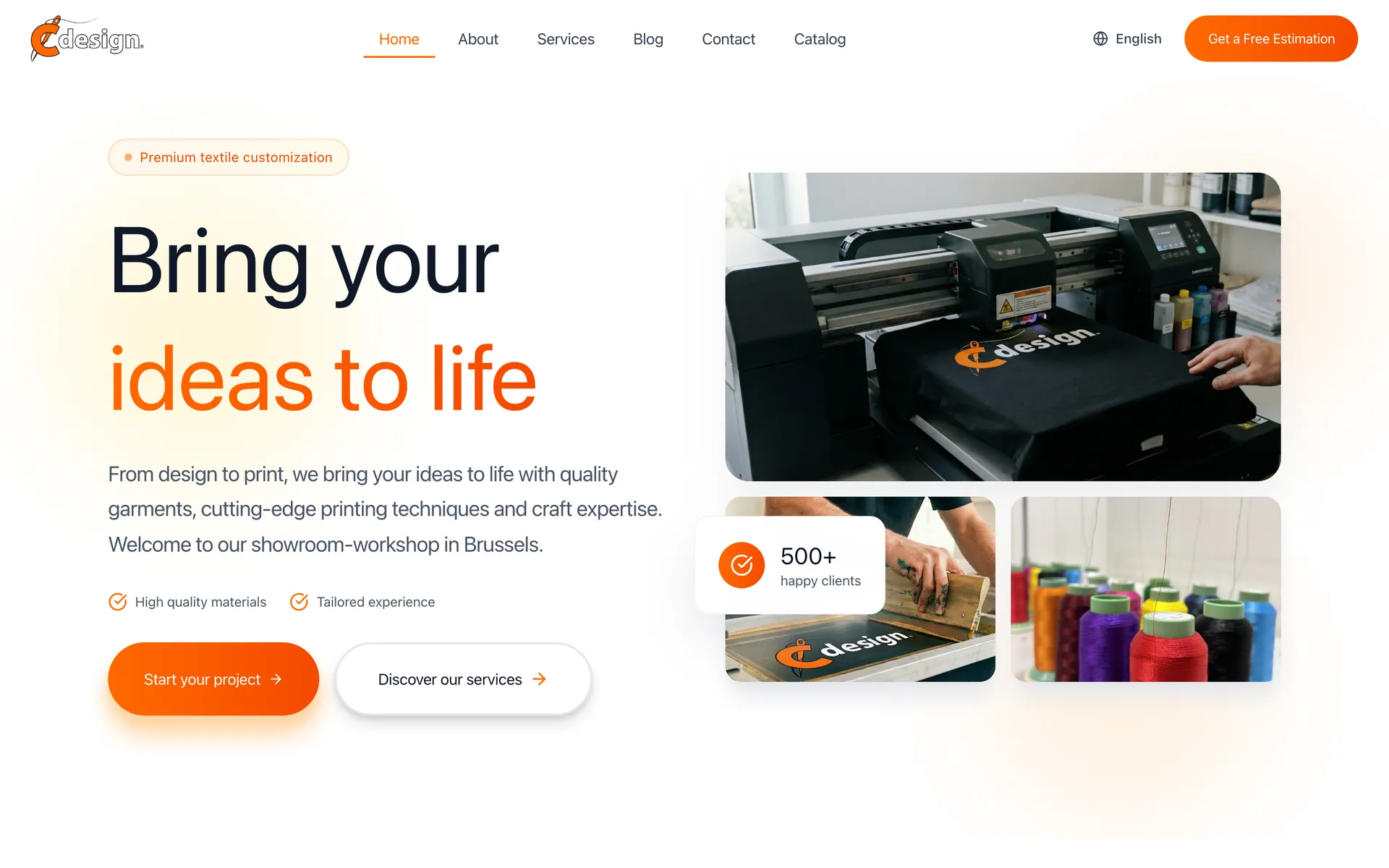
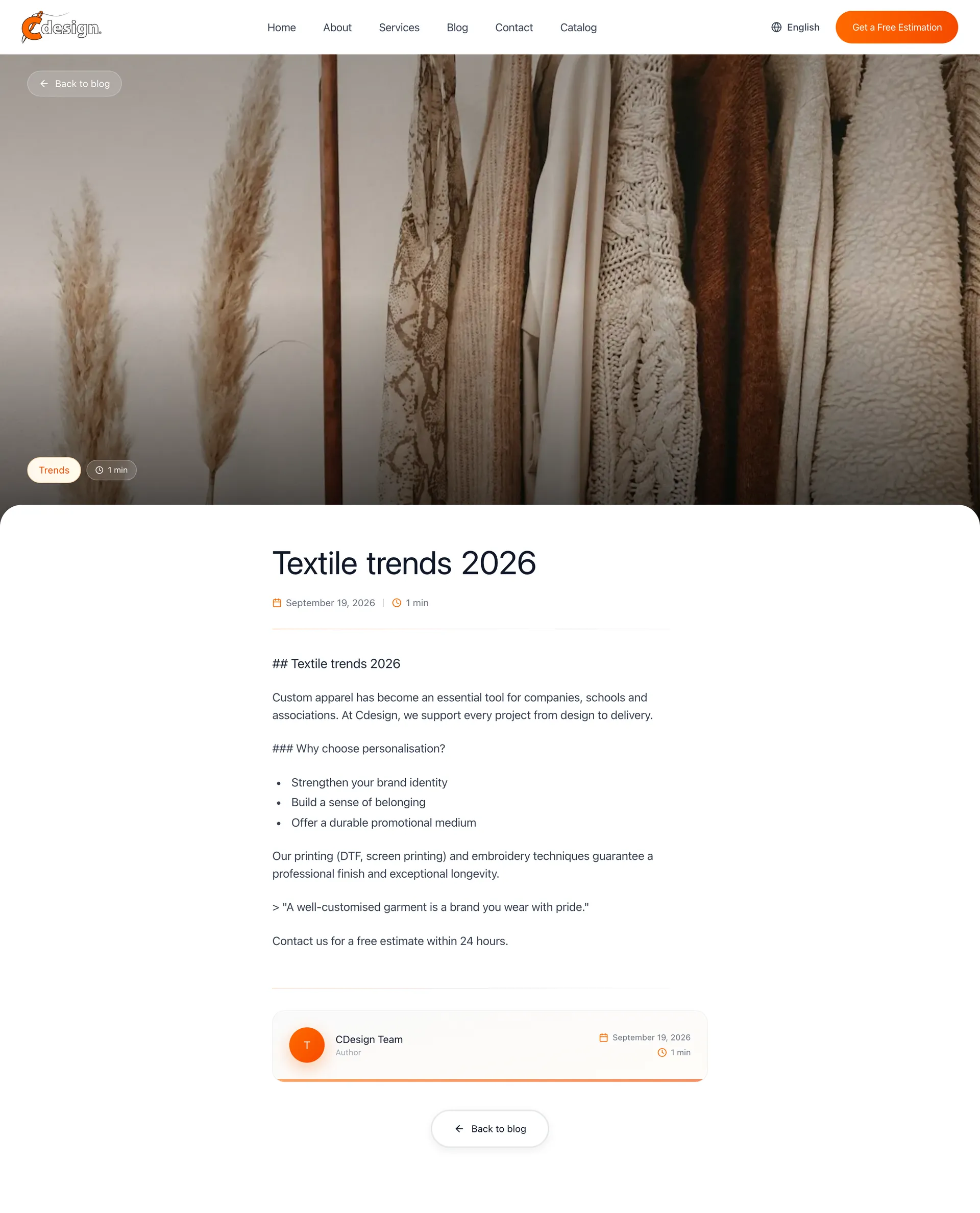
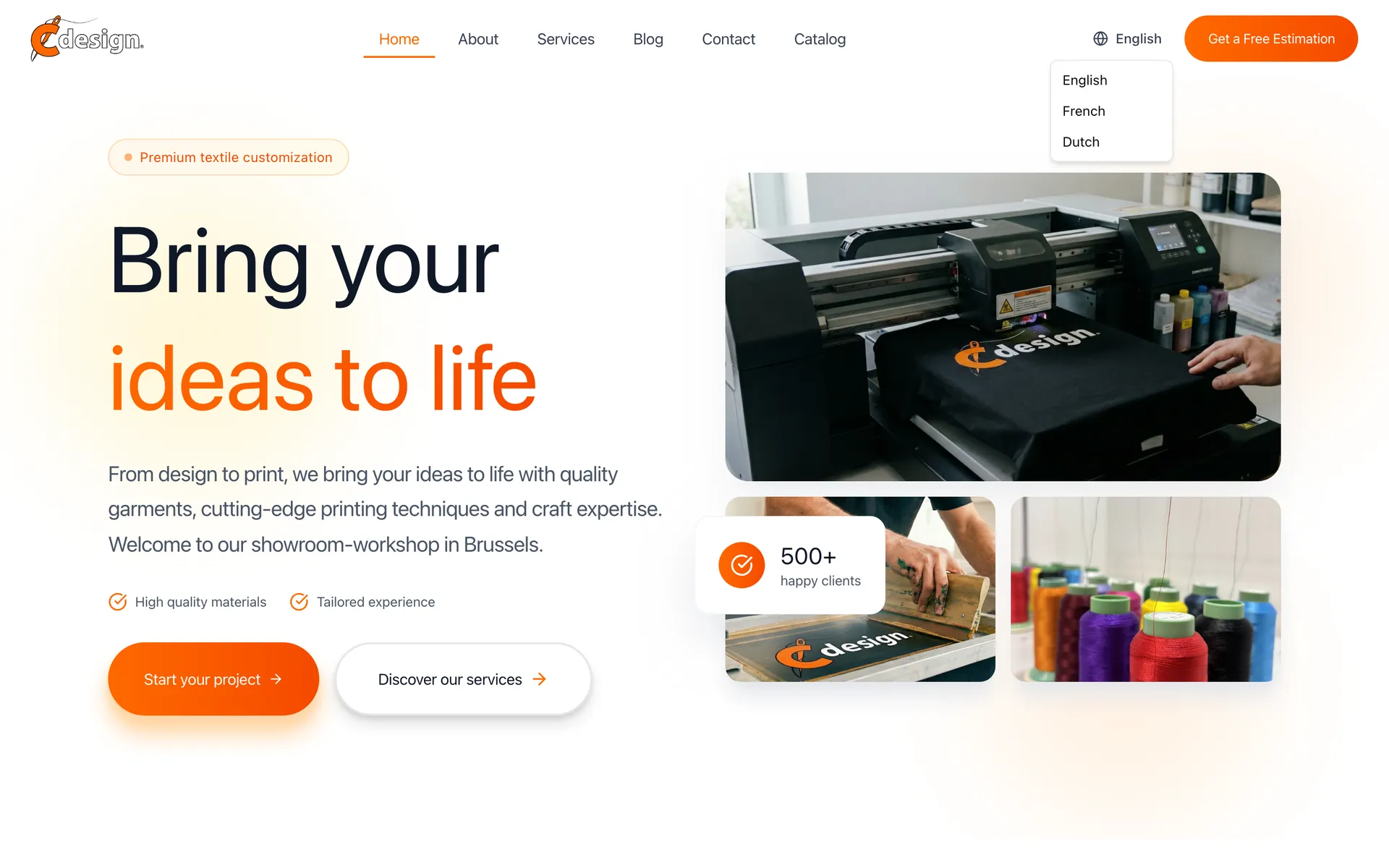
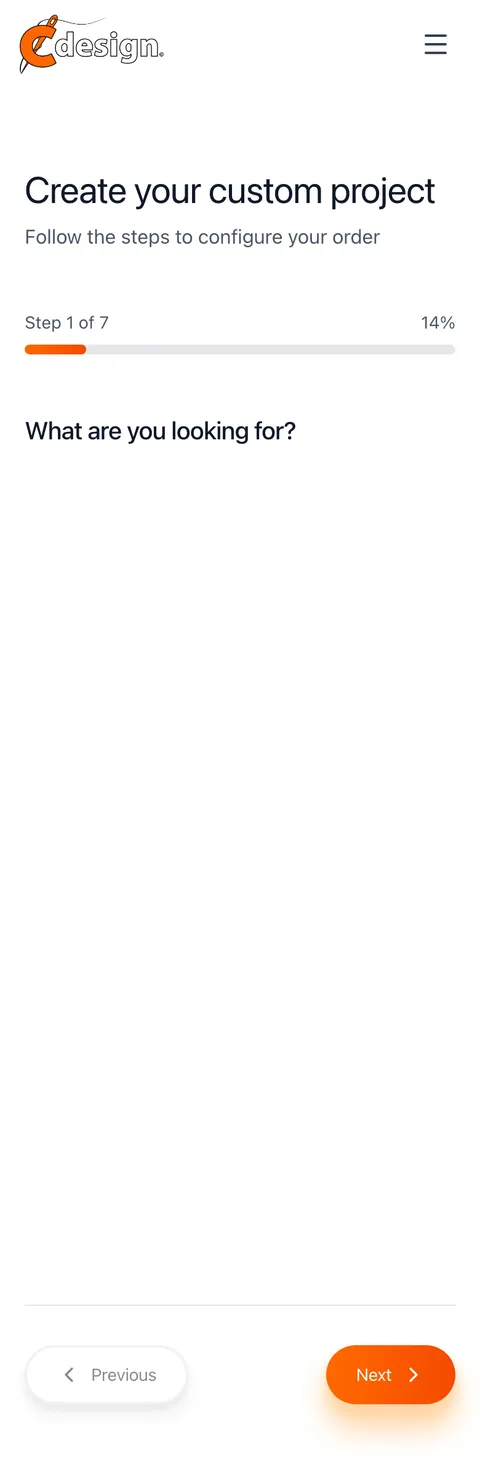
C Design landing page hero with the workshop photo and a Get a free estimation buttonC Design catalogue page listing garments with their type and coloursC Design blog article pageC Design language menu open, offering French, Dutch and EnglishC Design landing page on a phoneC Design quoting engine on a phone
03 / 04

School orders, paid online

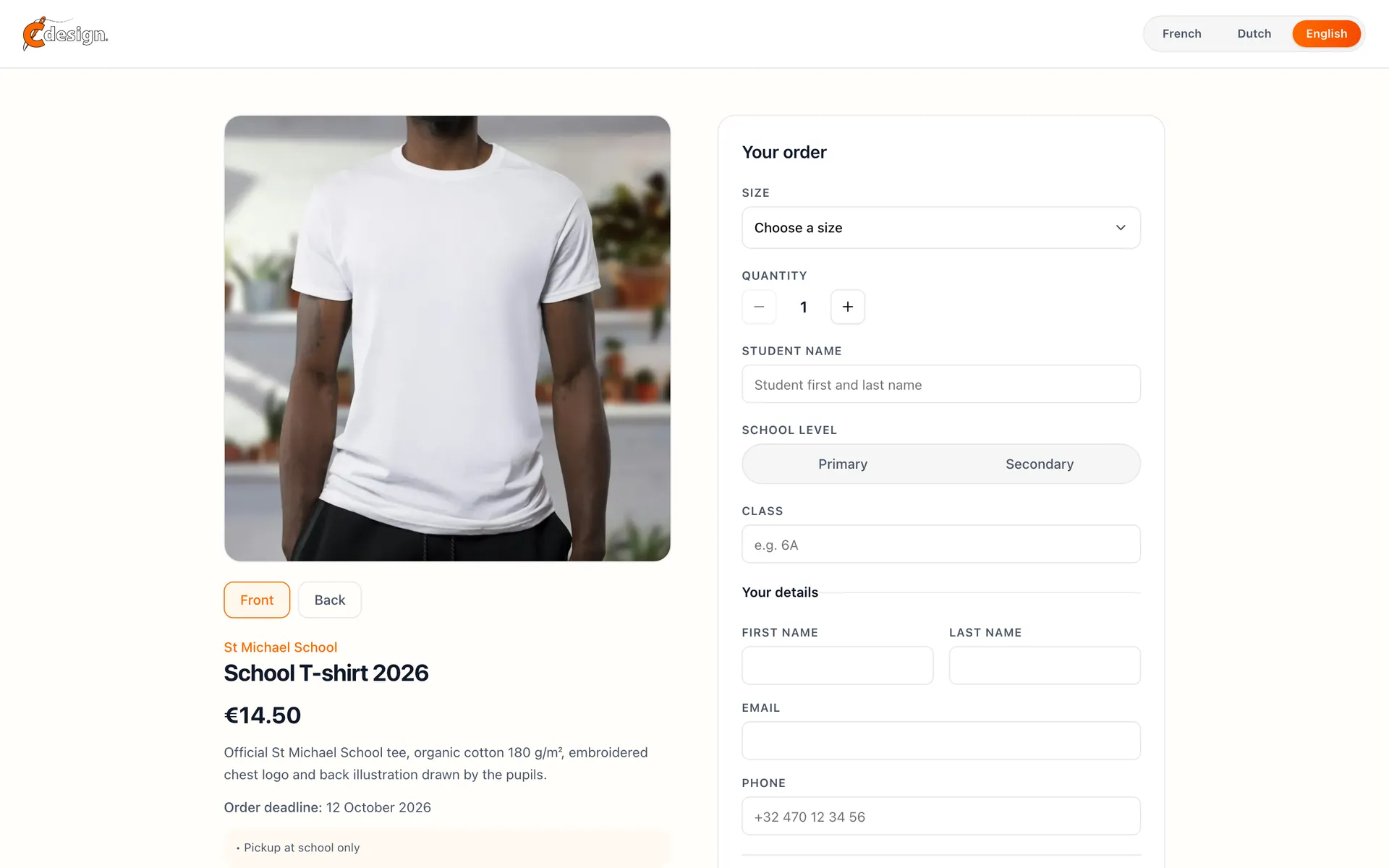
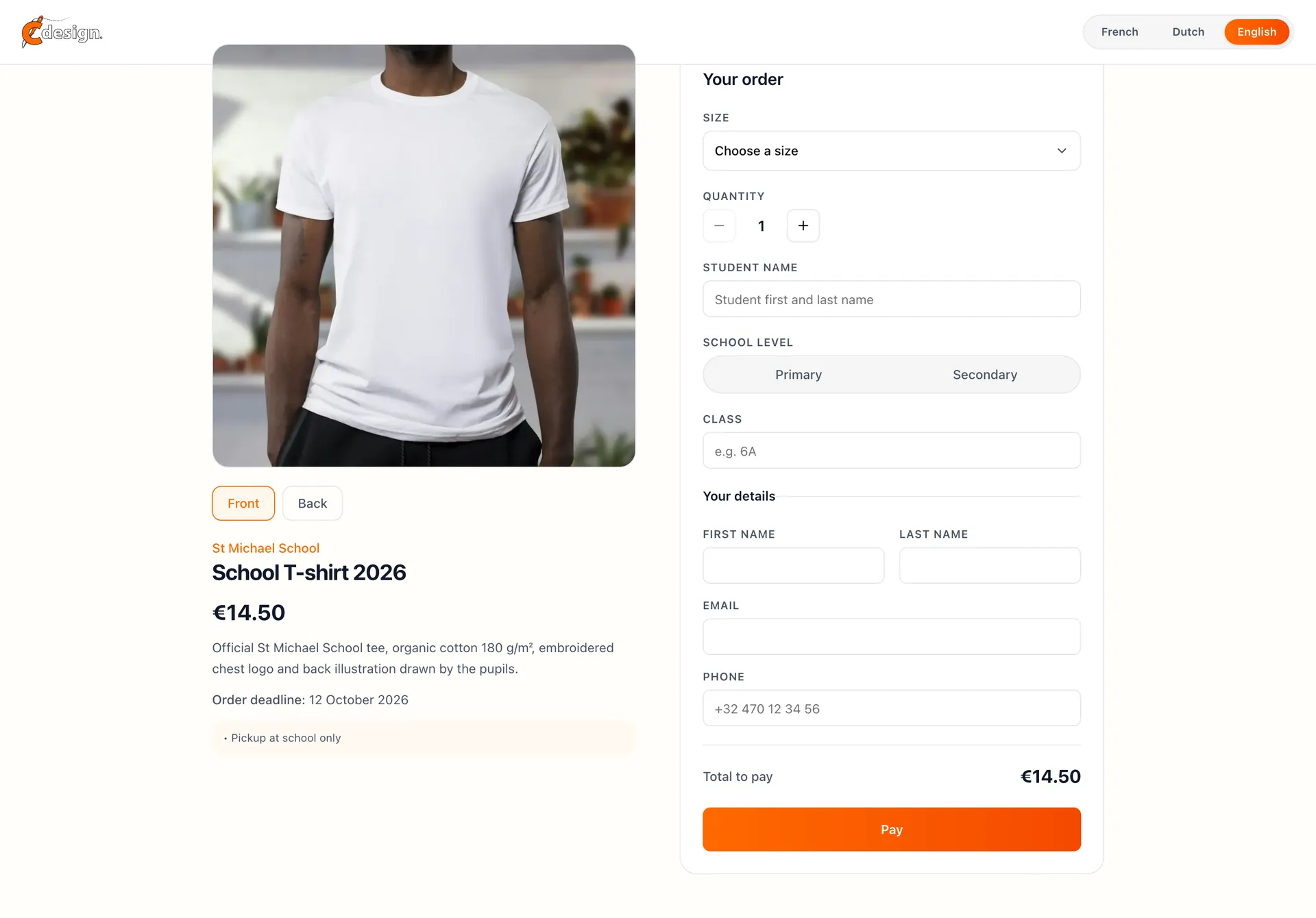
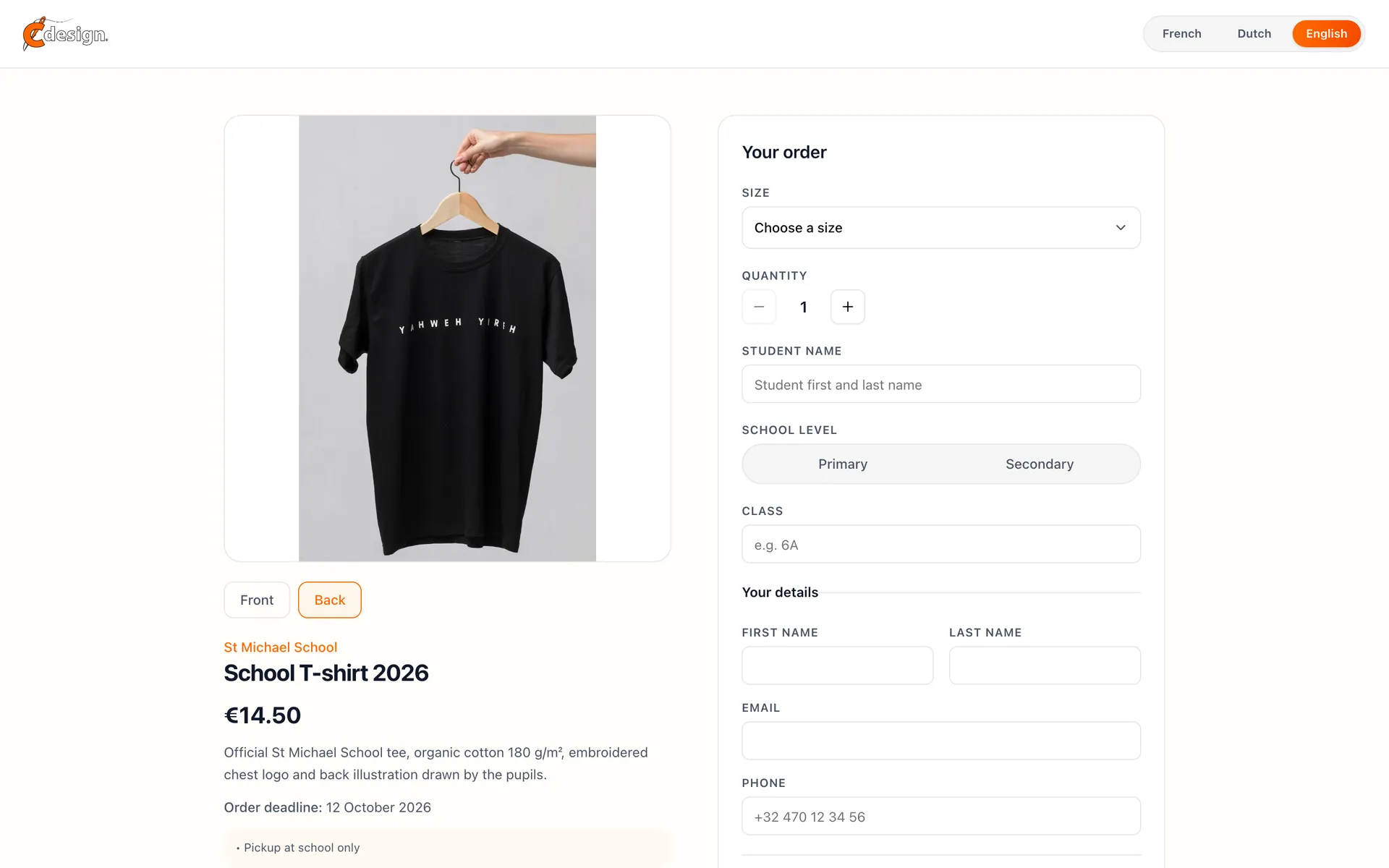
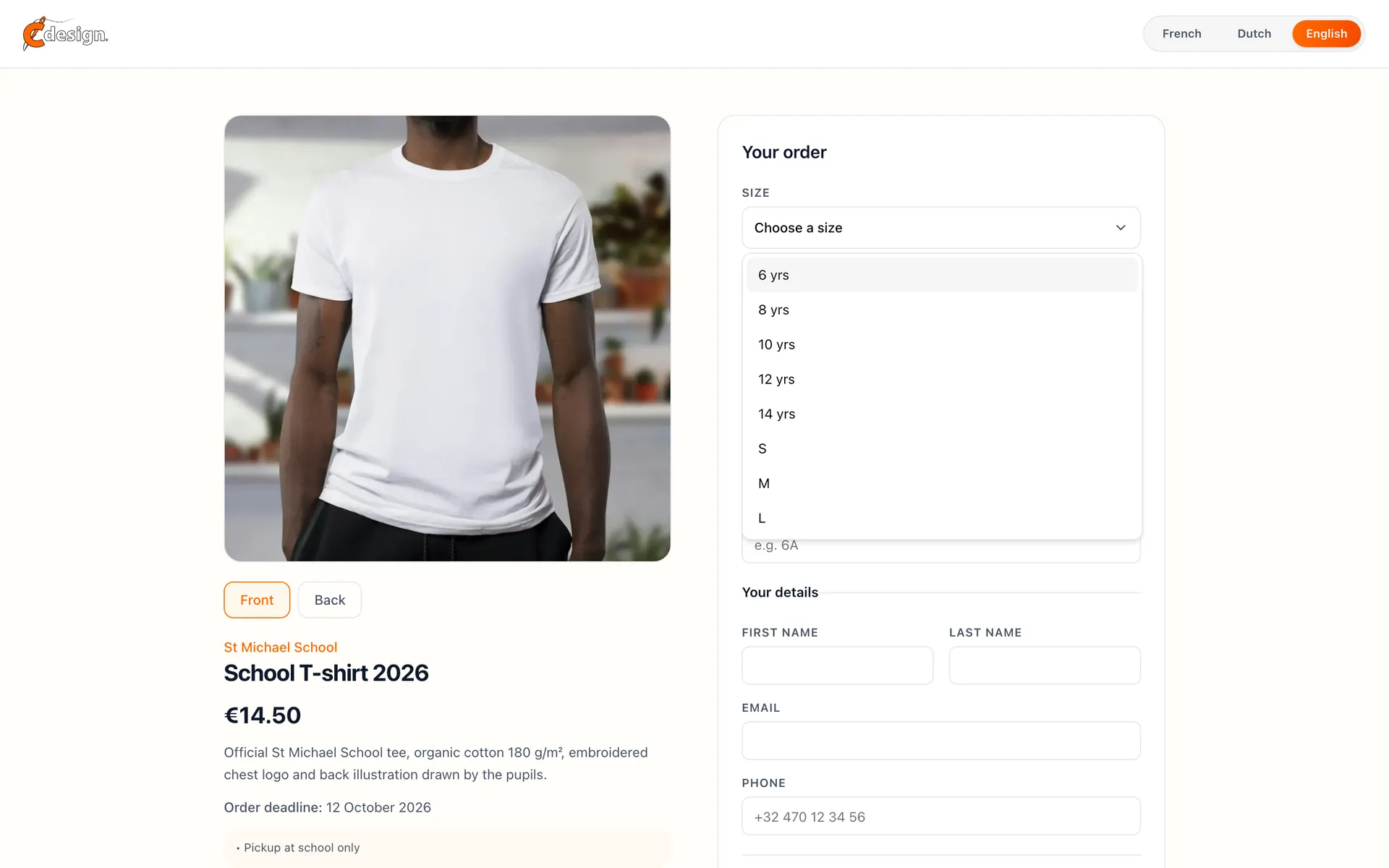
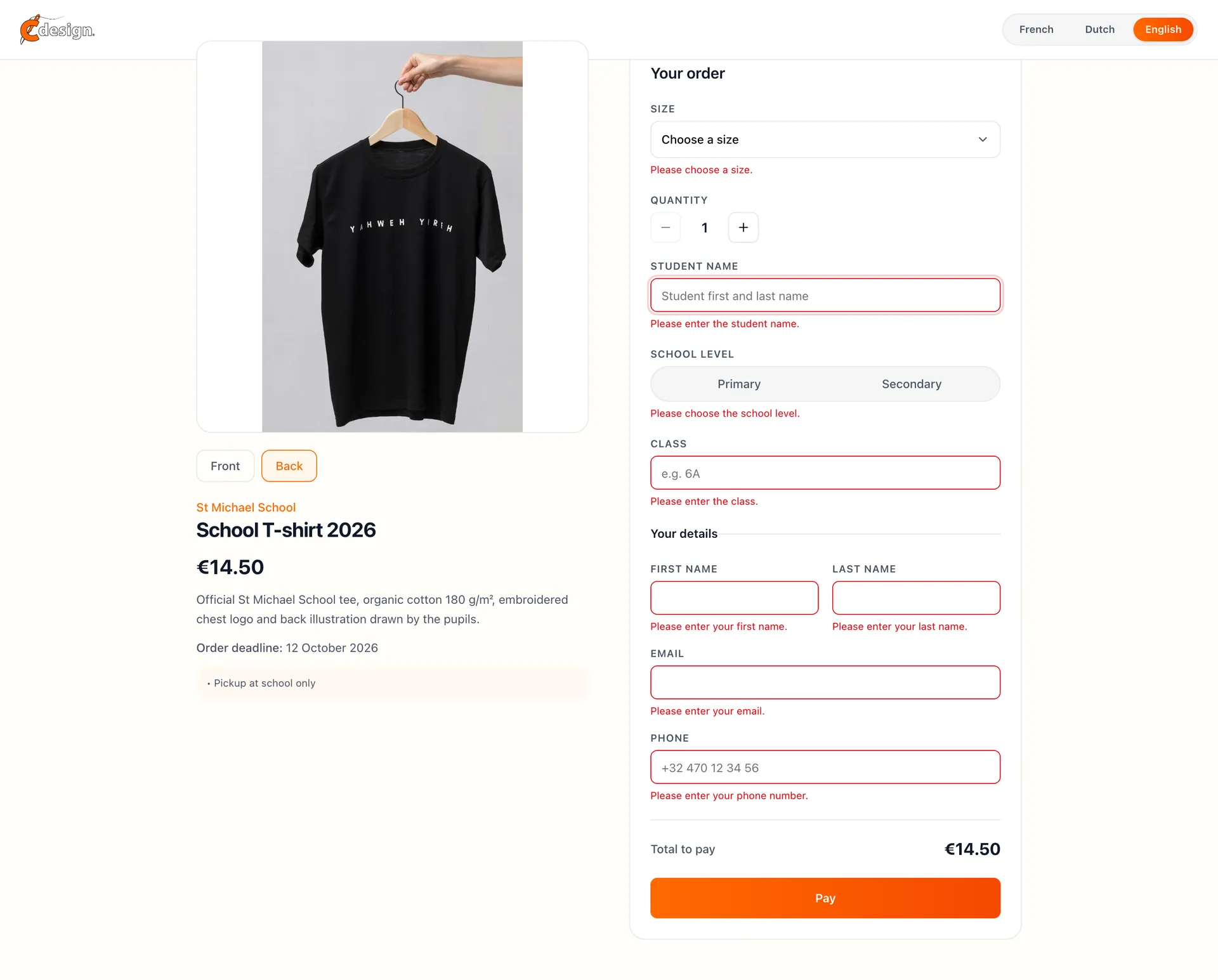
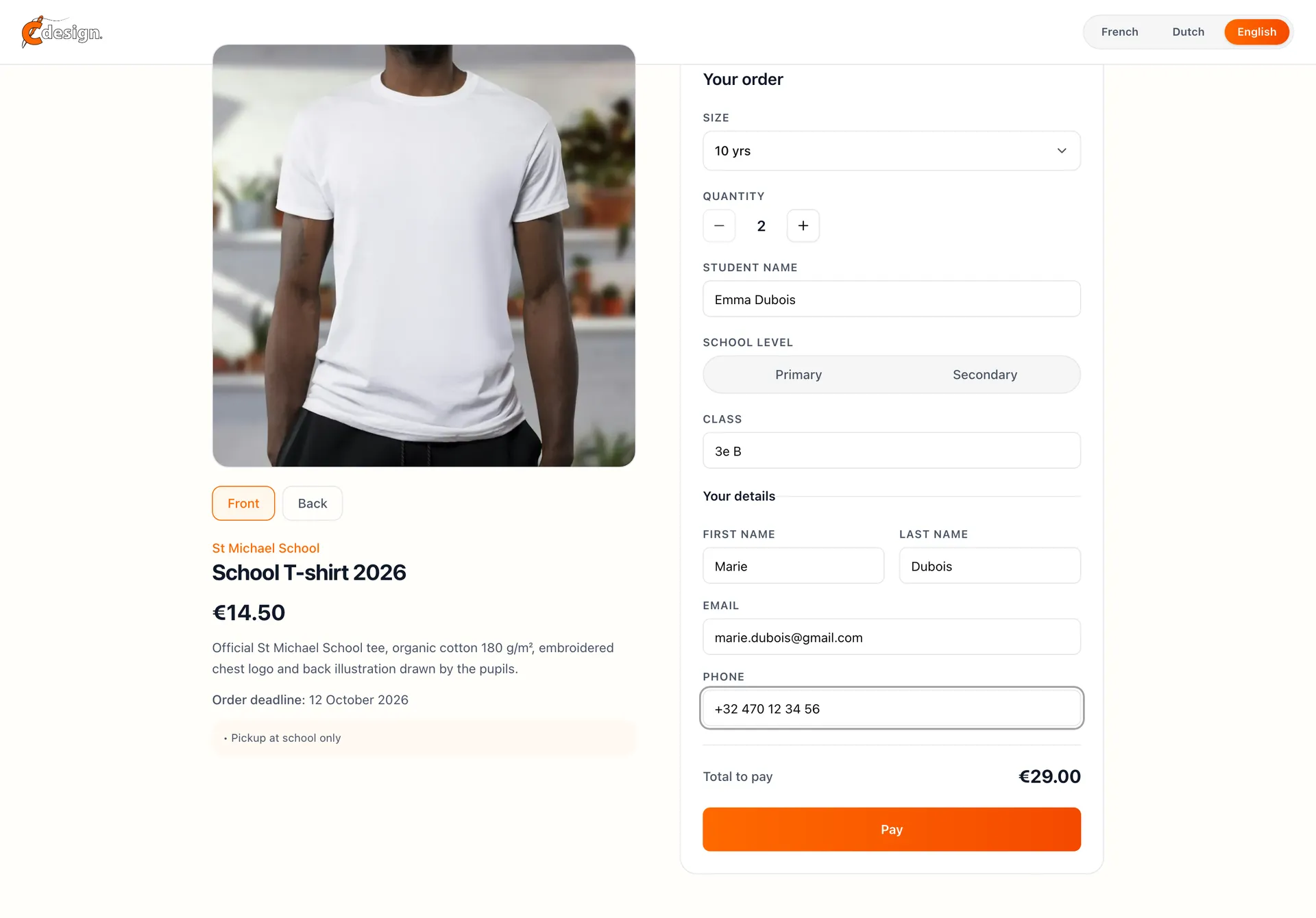
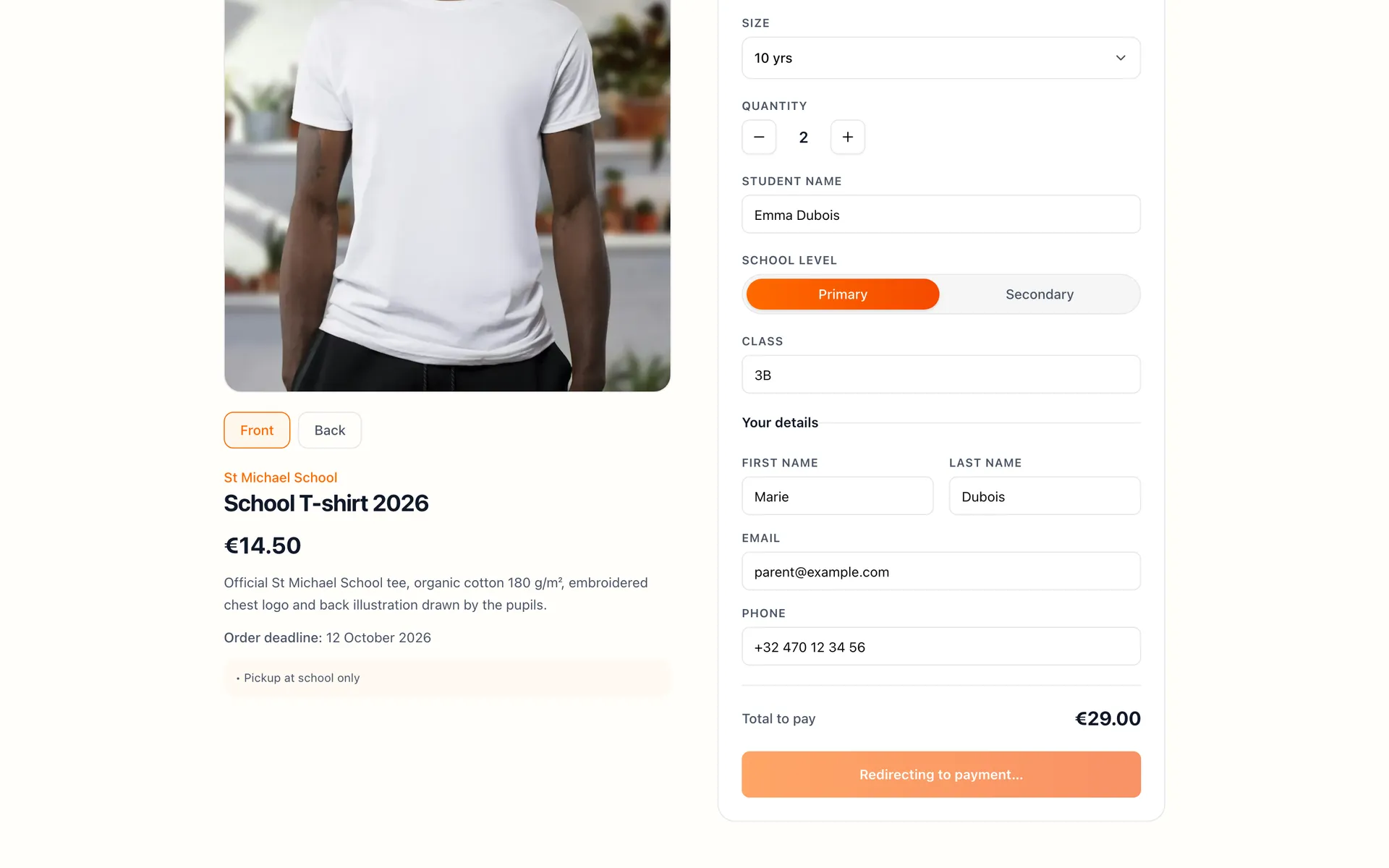
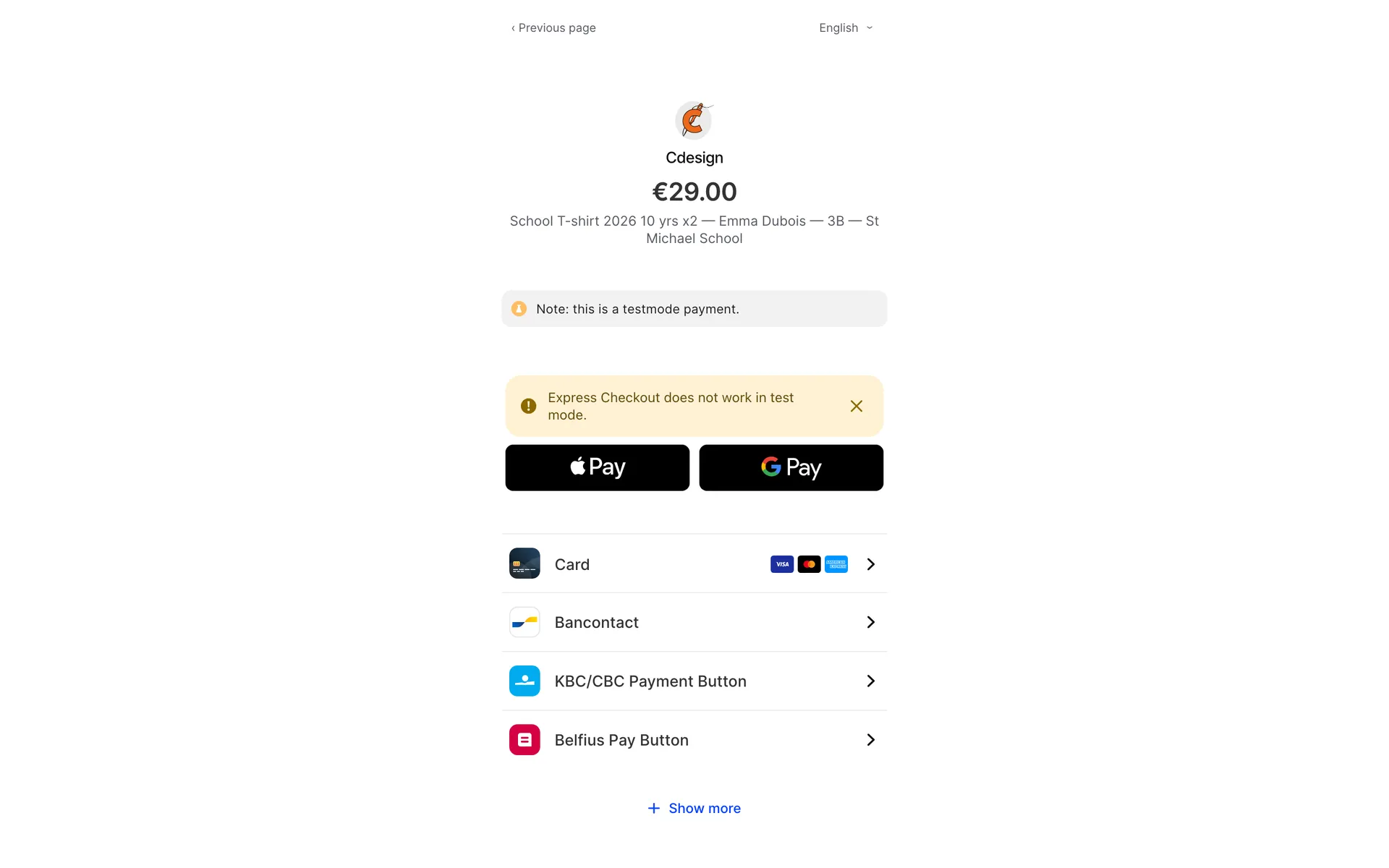
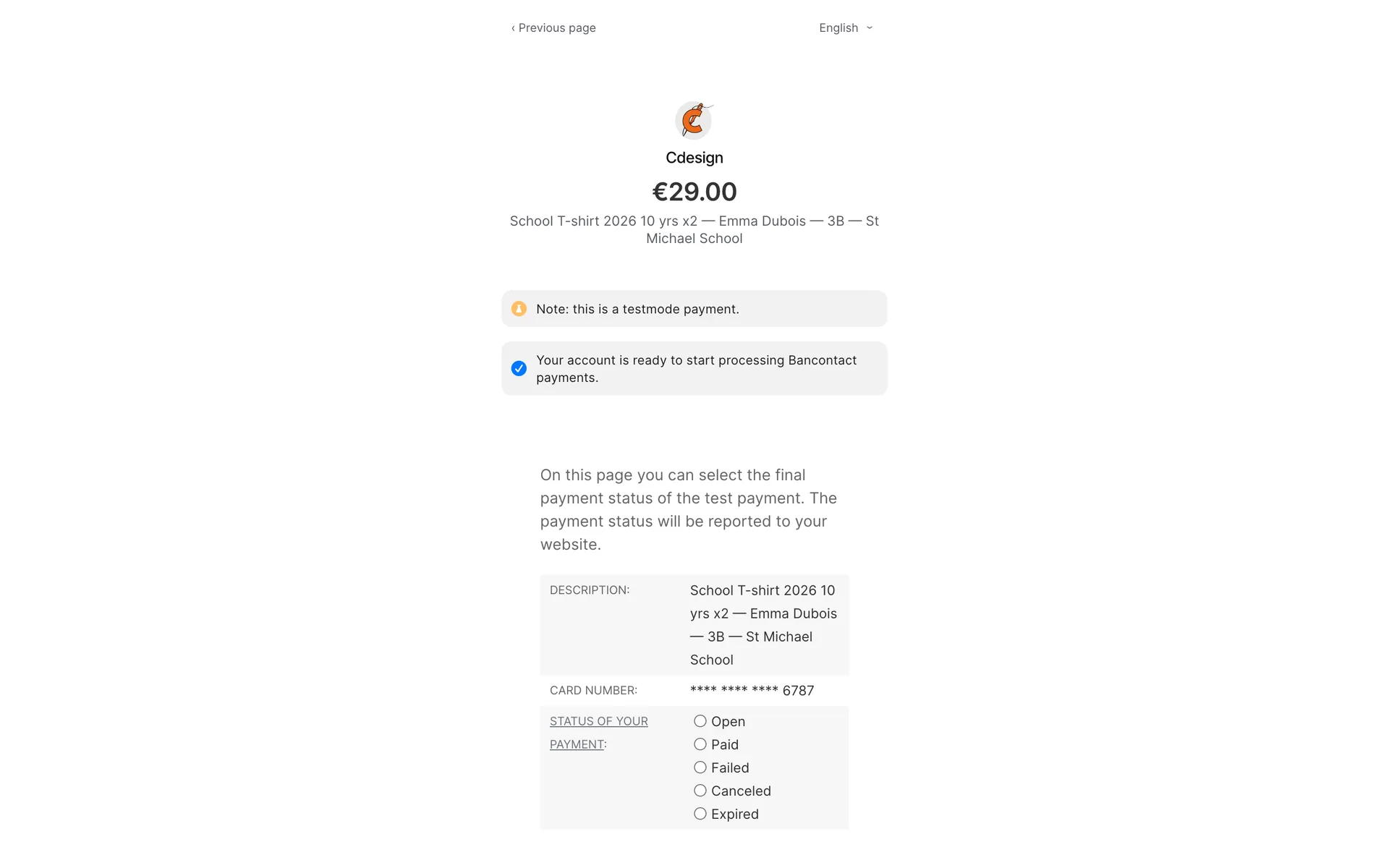
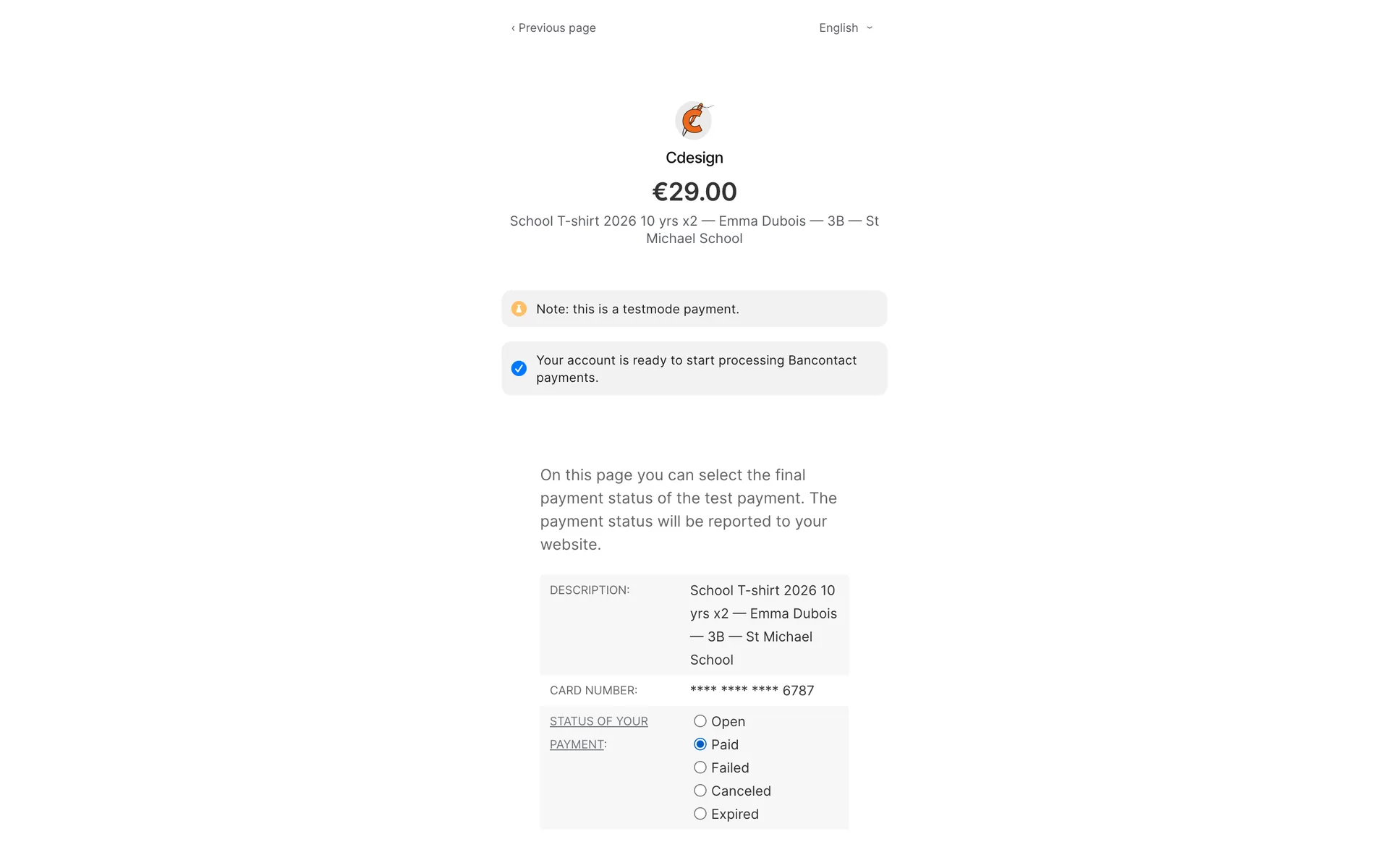
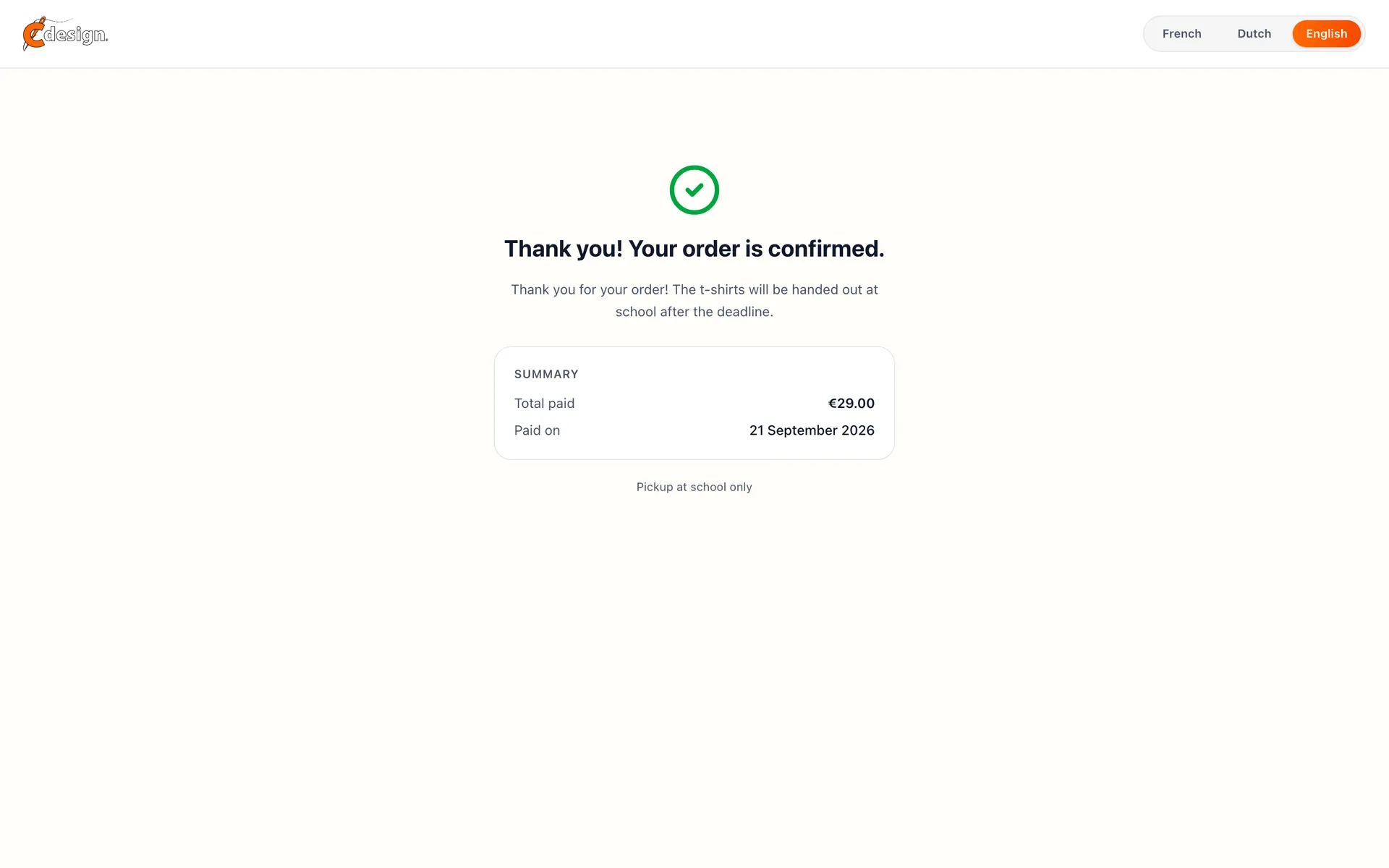
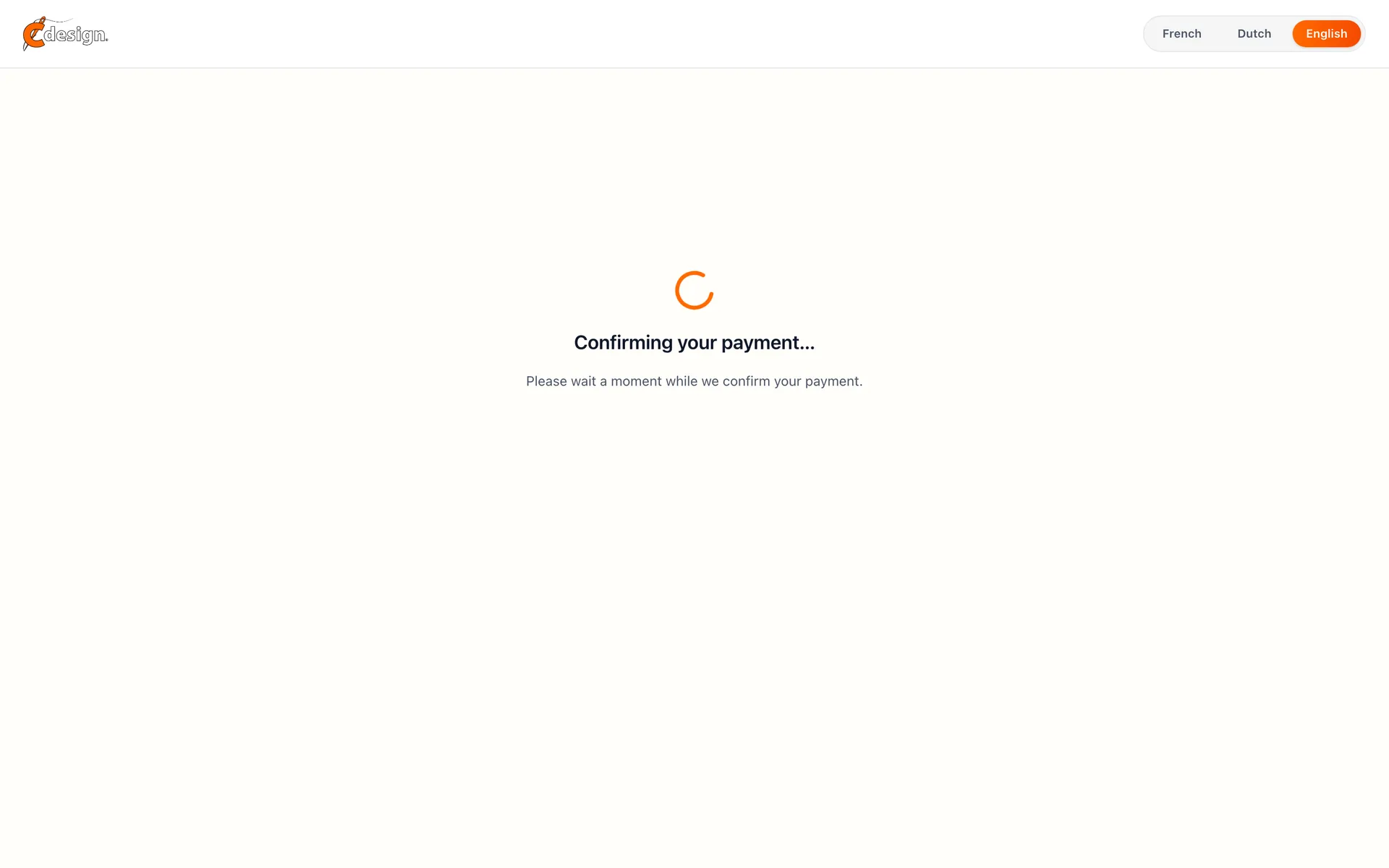
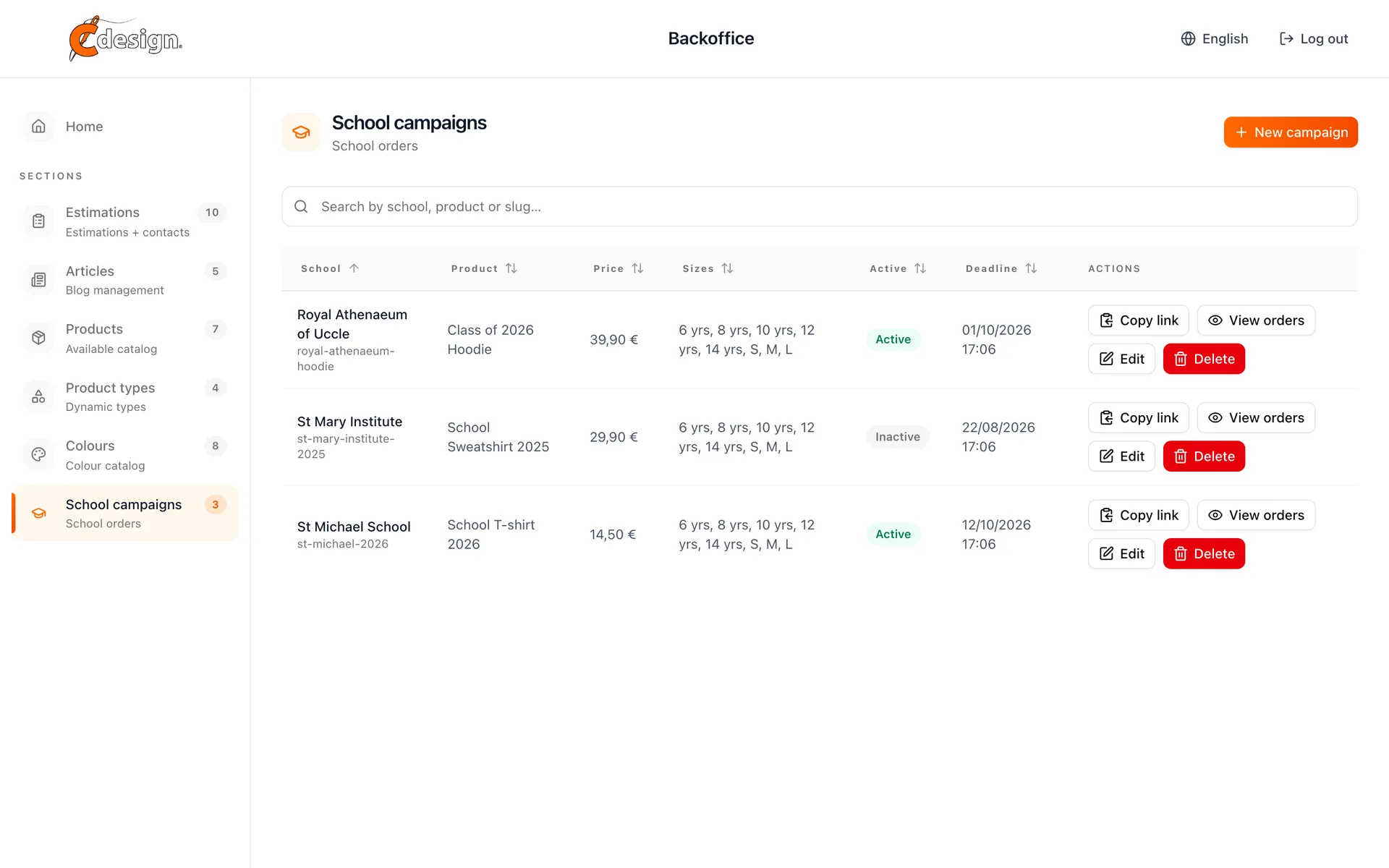
A campaign page per school. Parents pick a size, name the pupil and pay through a Mollie-hosted checkout; a webhook confirms the order and the thank-you page waits for it. The workshop sees the orders per campaign instead of collecting envelopes at the gate.

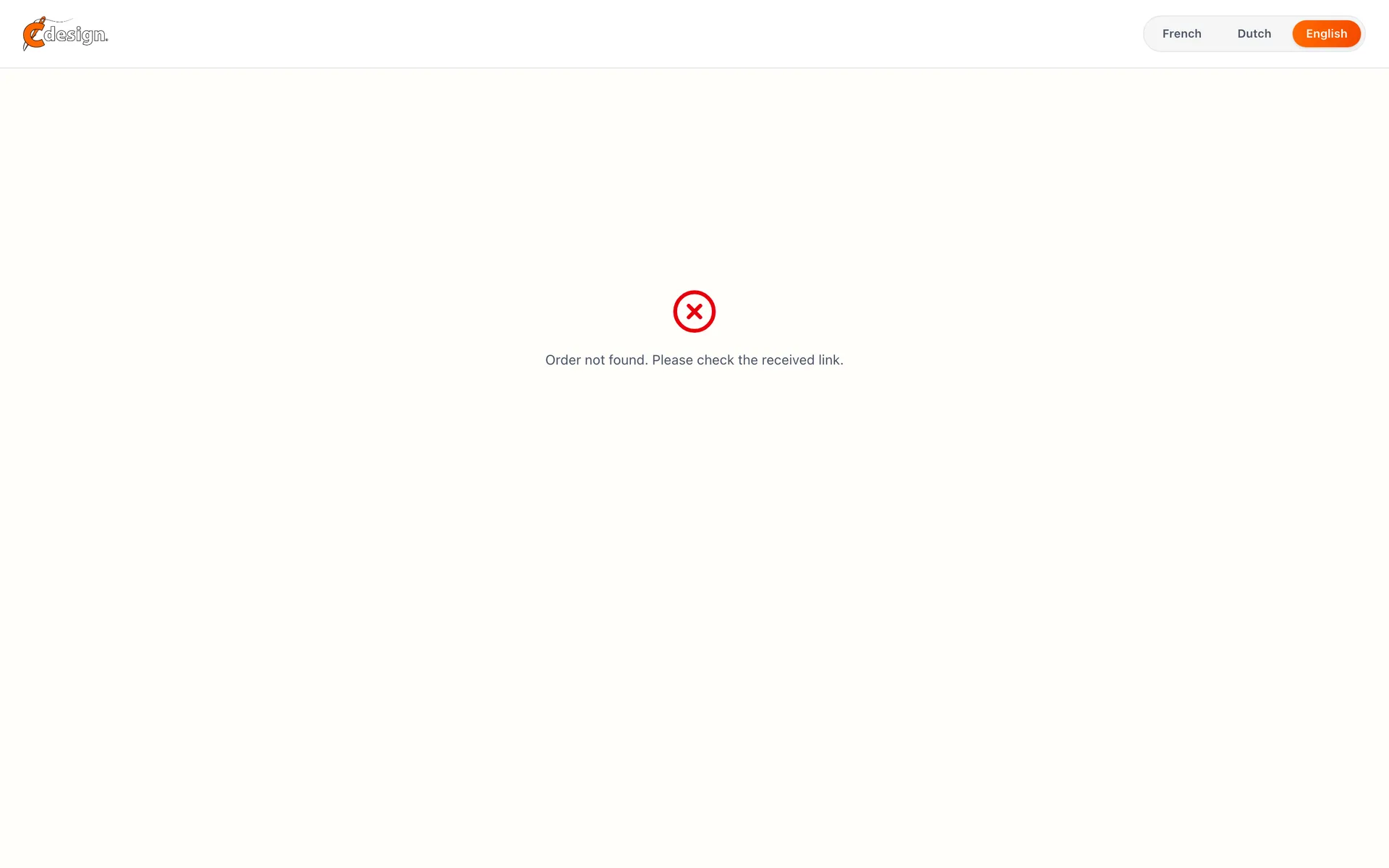
School campaign order page for a school T-shirt with size, quantity, student name and classSchool campaign order page, full length, with the product details and pickup noticeSchool campaign page showing the back of the T-shirt with the illustration drawn by the pupilsSchool order form with the size dropdown openSchool order form with validation errors under the empty fieldsSchool order form filled in and ready to paySchool order redirecting to the payment pageMollie checkout page for a school orderMollie test page to choose the outcome of the paymentMollie test page marking the school order as paidThank you page confirming the payment with MollieThank you page waiting for the payment confirmation from MollieThank you page confirming the school order is paidThank you page after a paid school orderThank you page reached without an order, with a link back to the campaignNot found page for a school campaign that does not exist
04 / 04

The back office

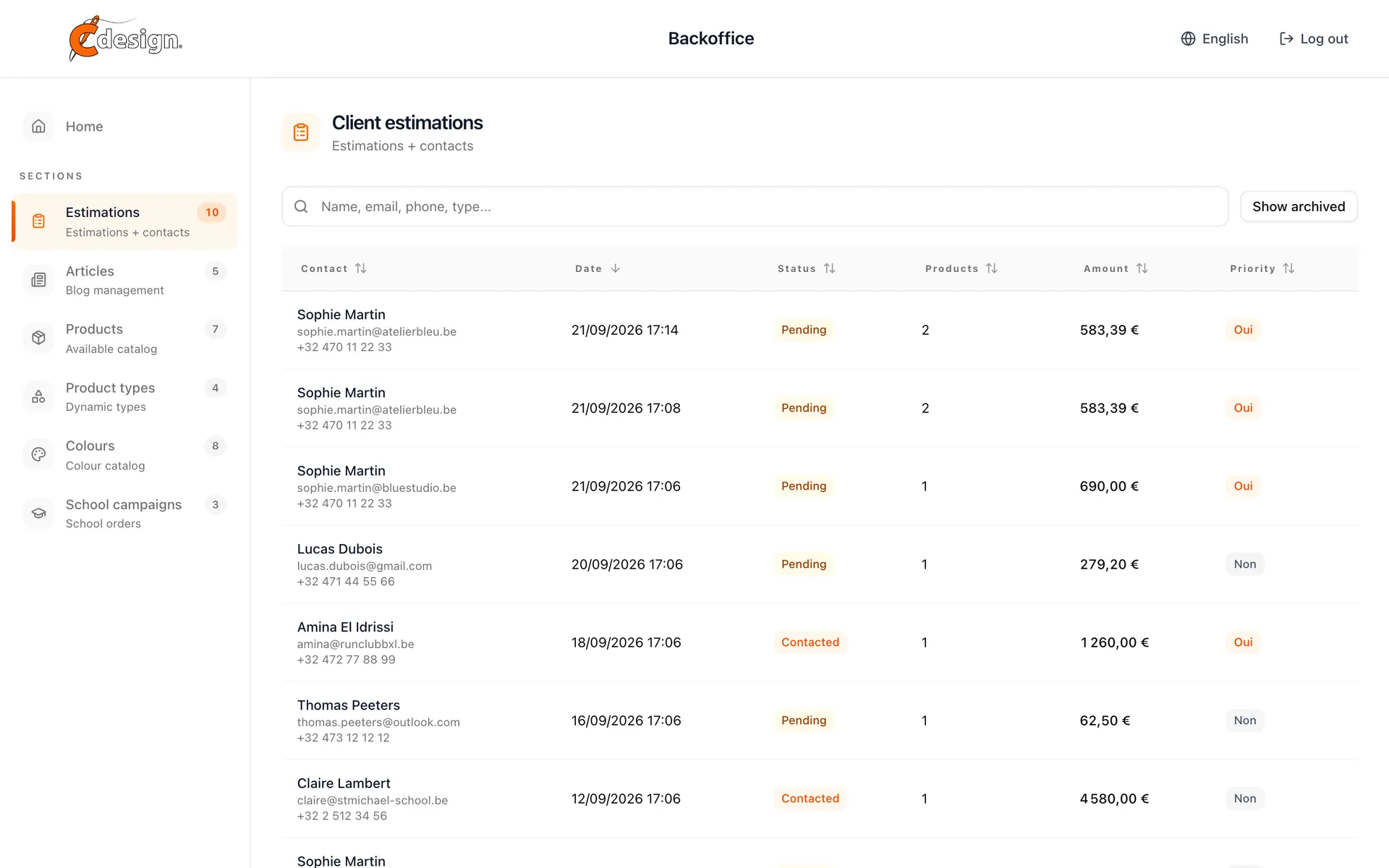
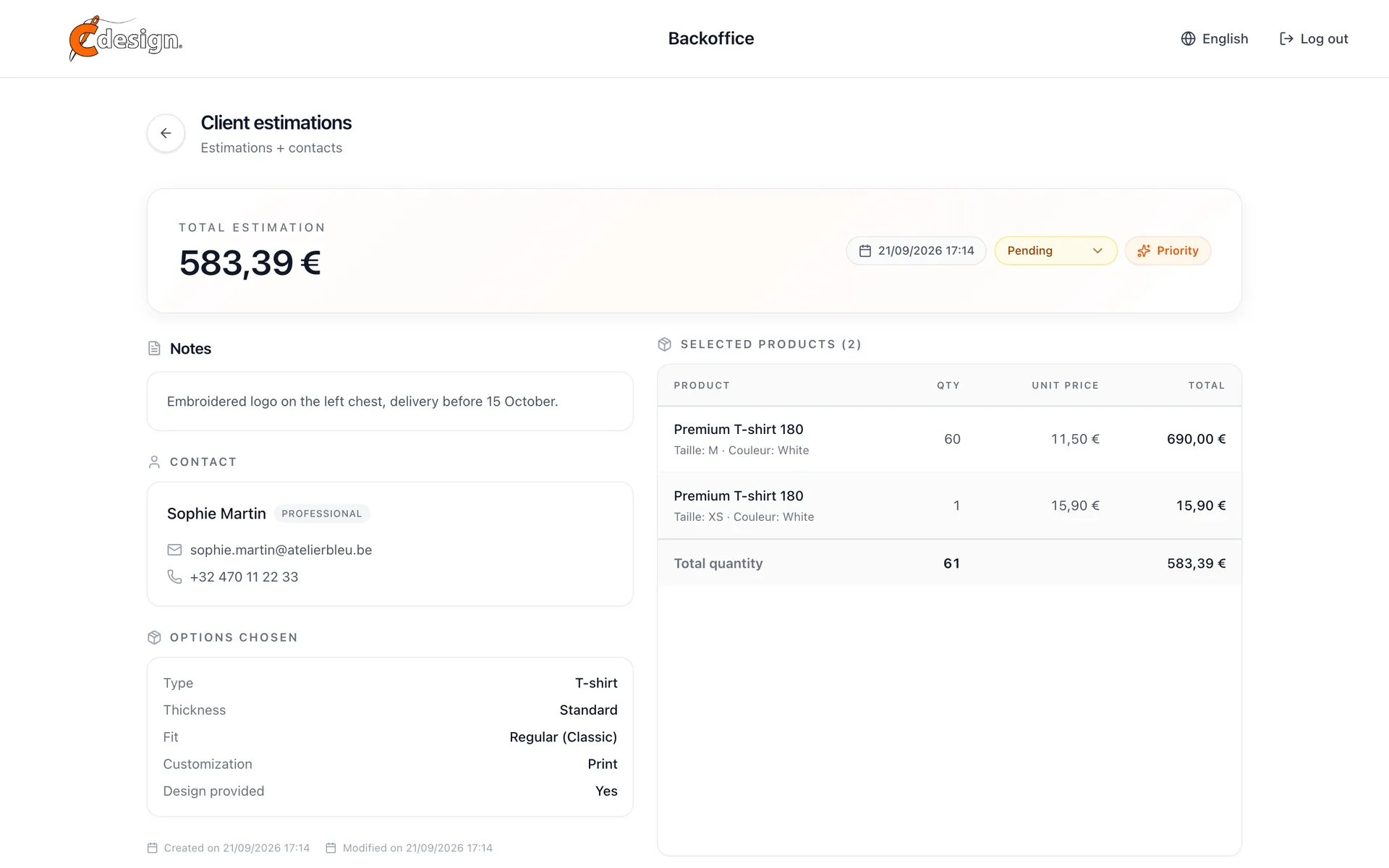
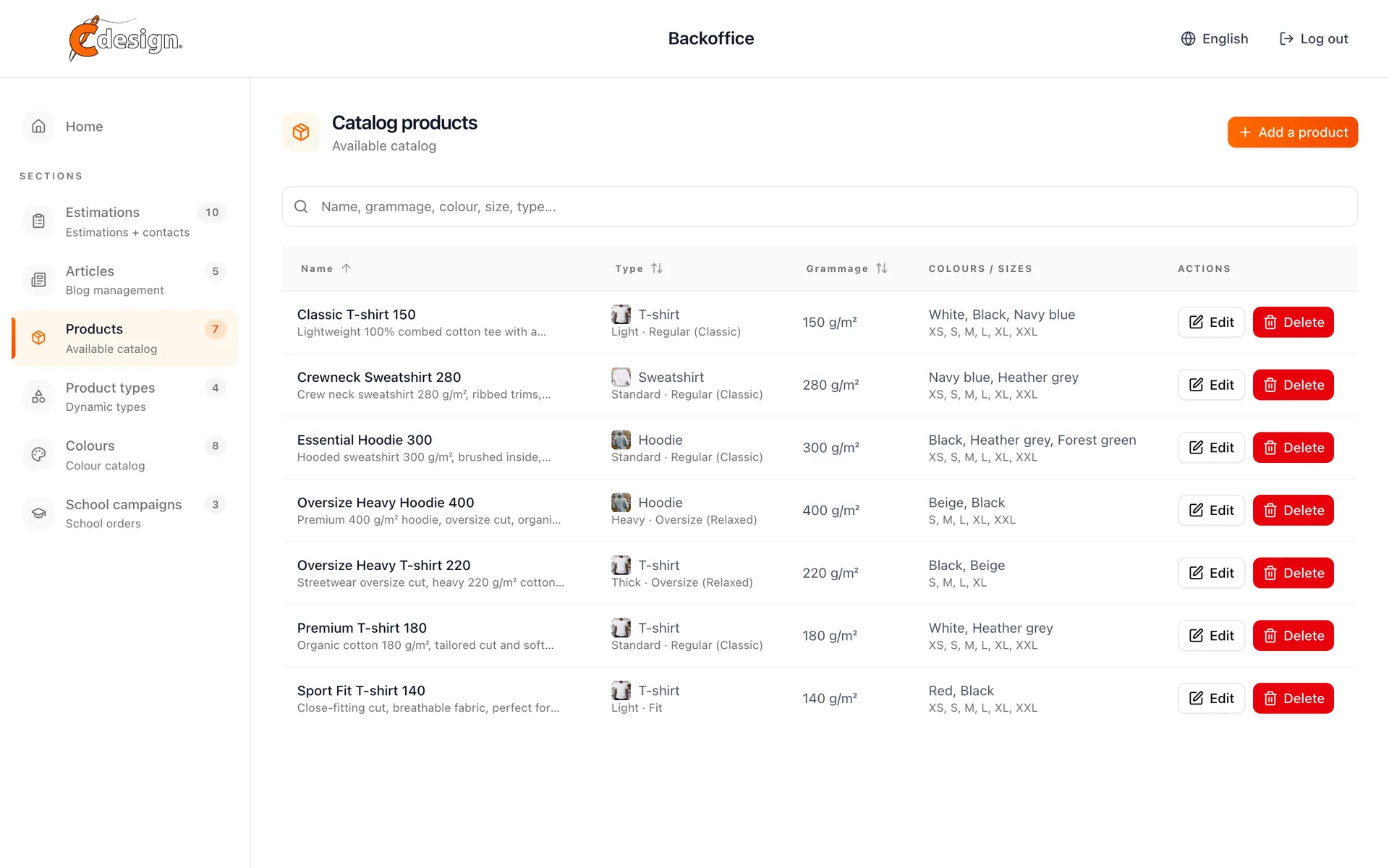
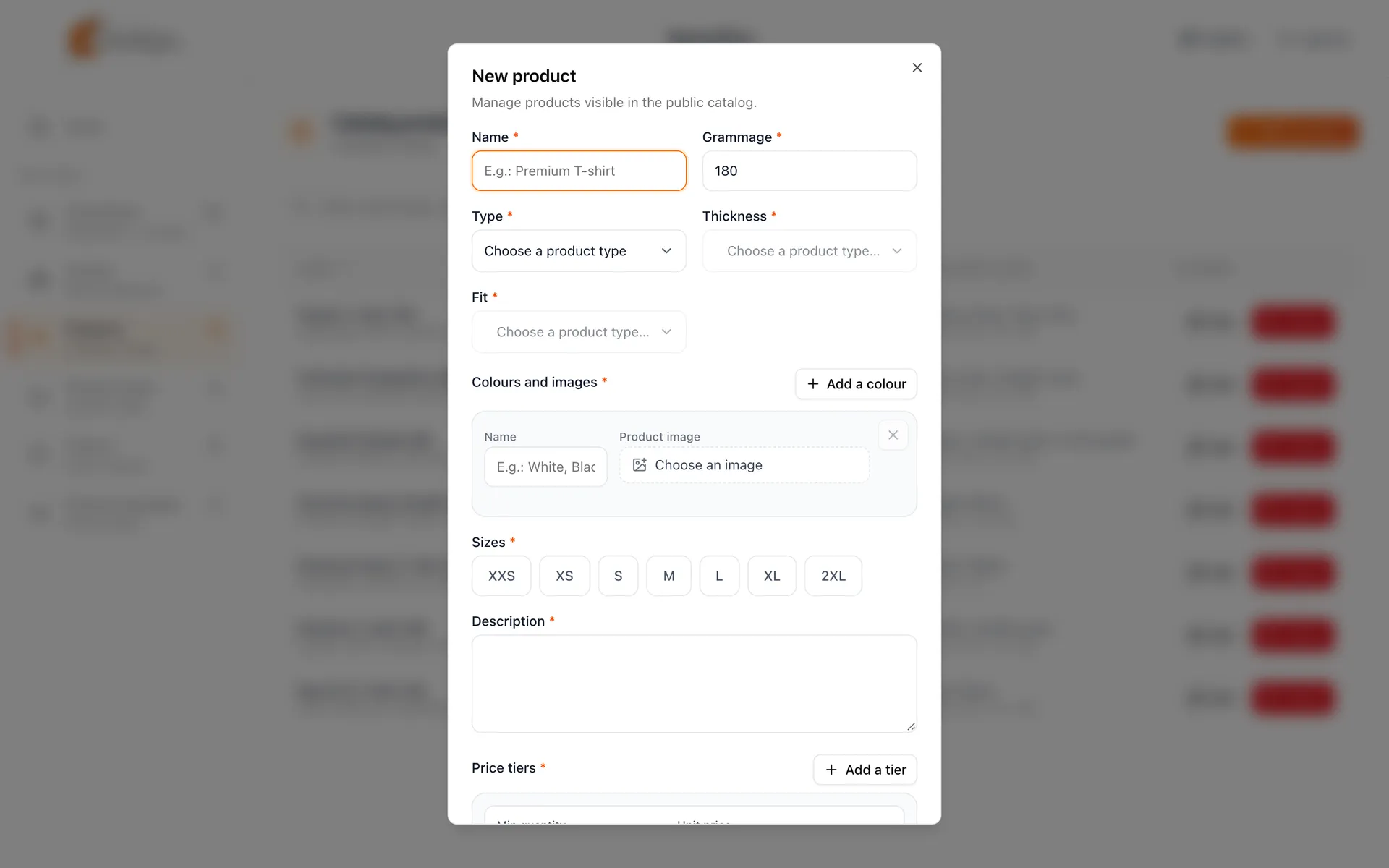
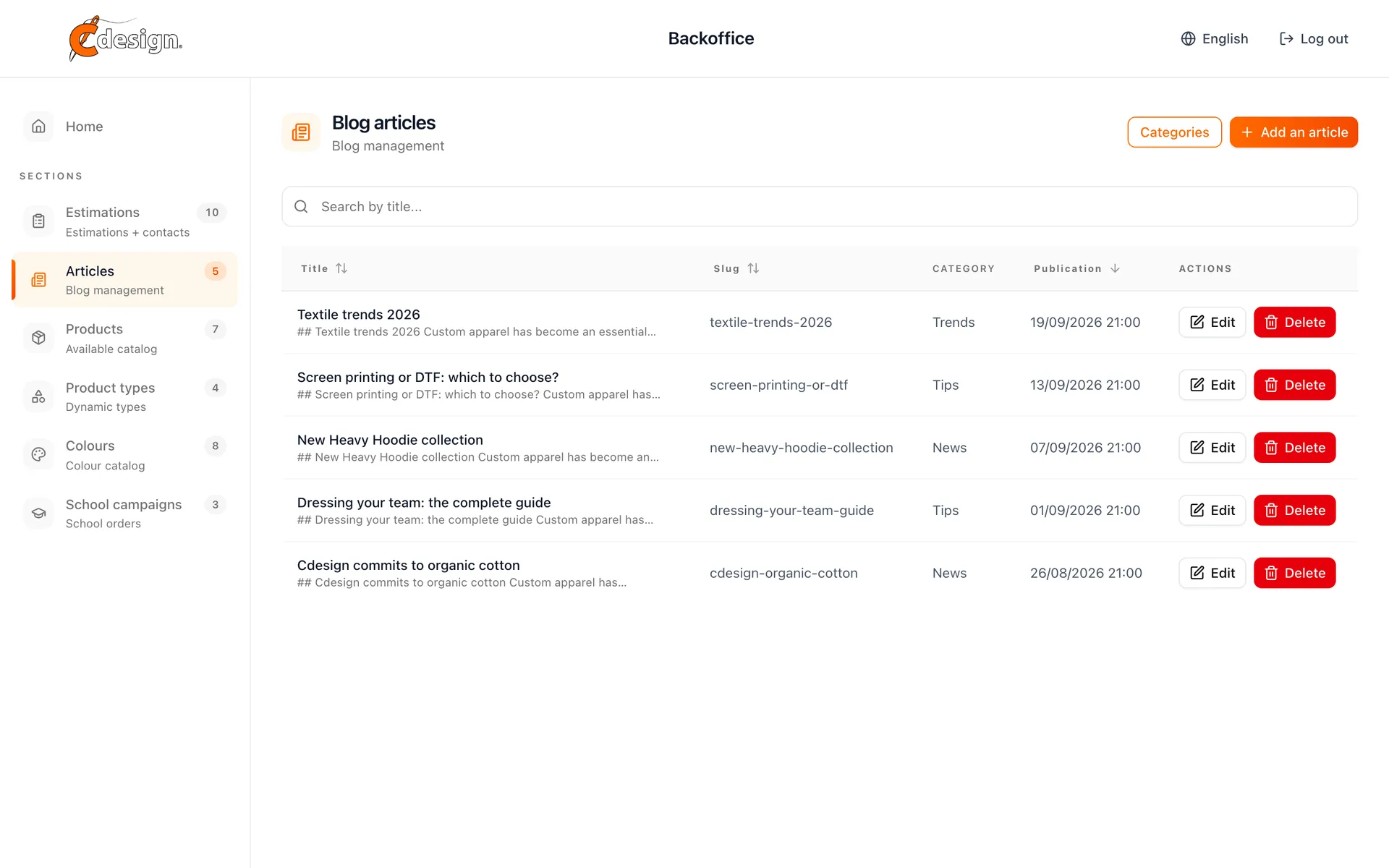
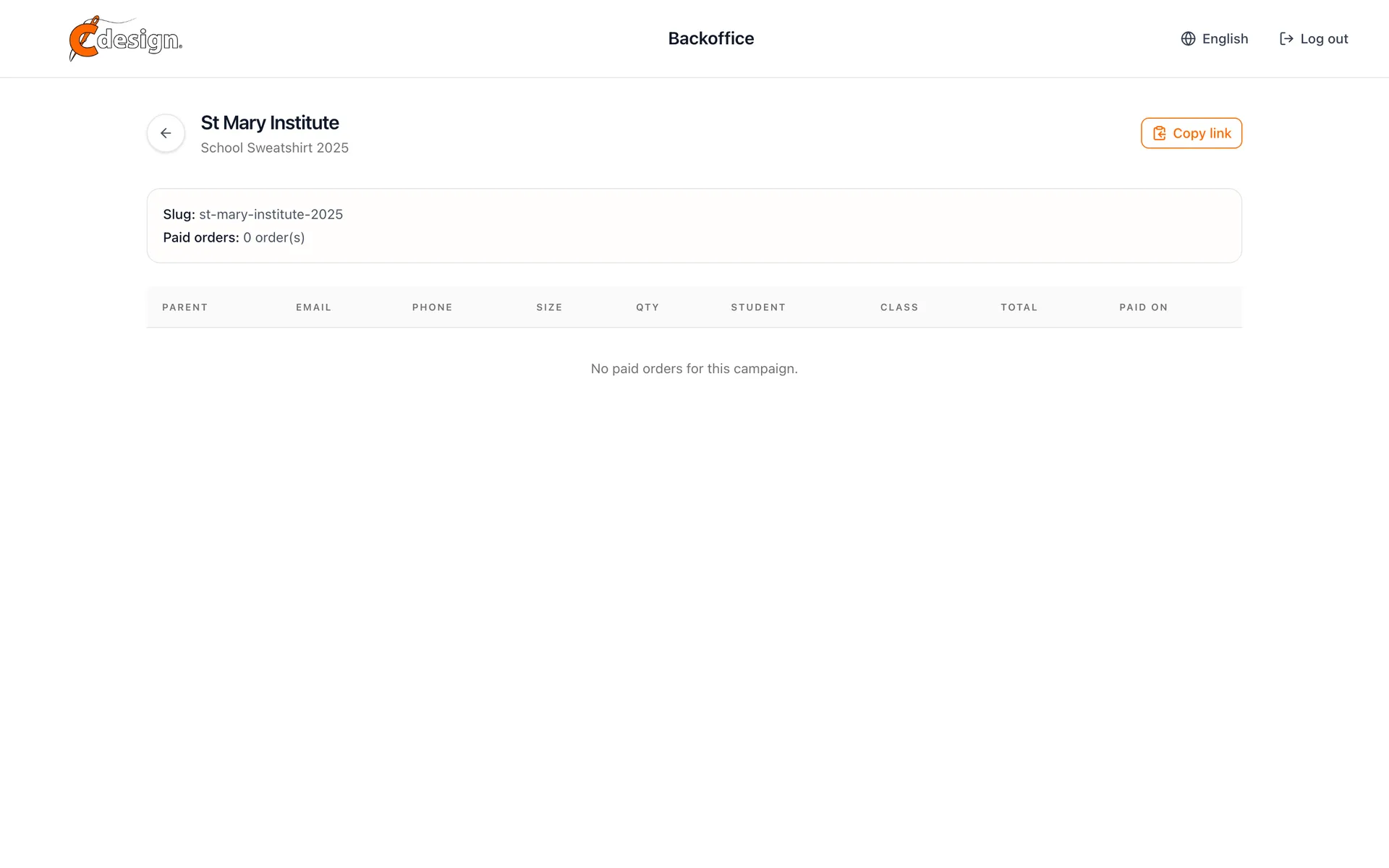
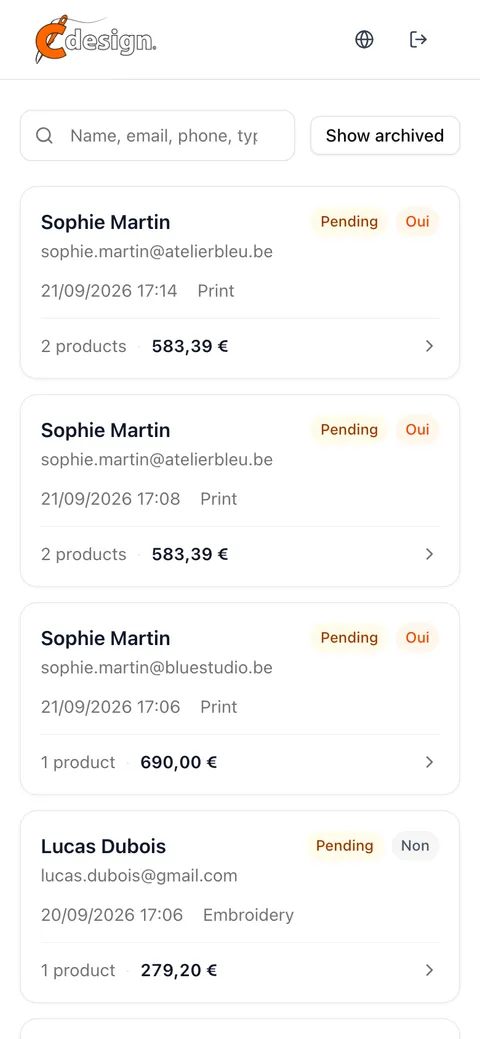
Estimates, products, product types, colours, articles and school campaigns, all editable by the client's team. Nobody calls a developer to change a price.

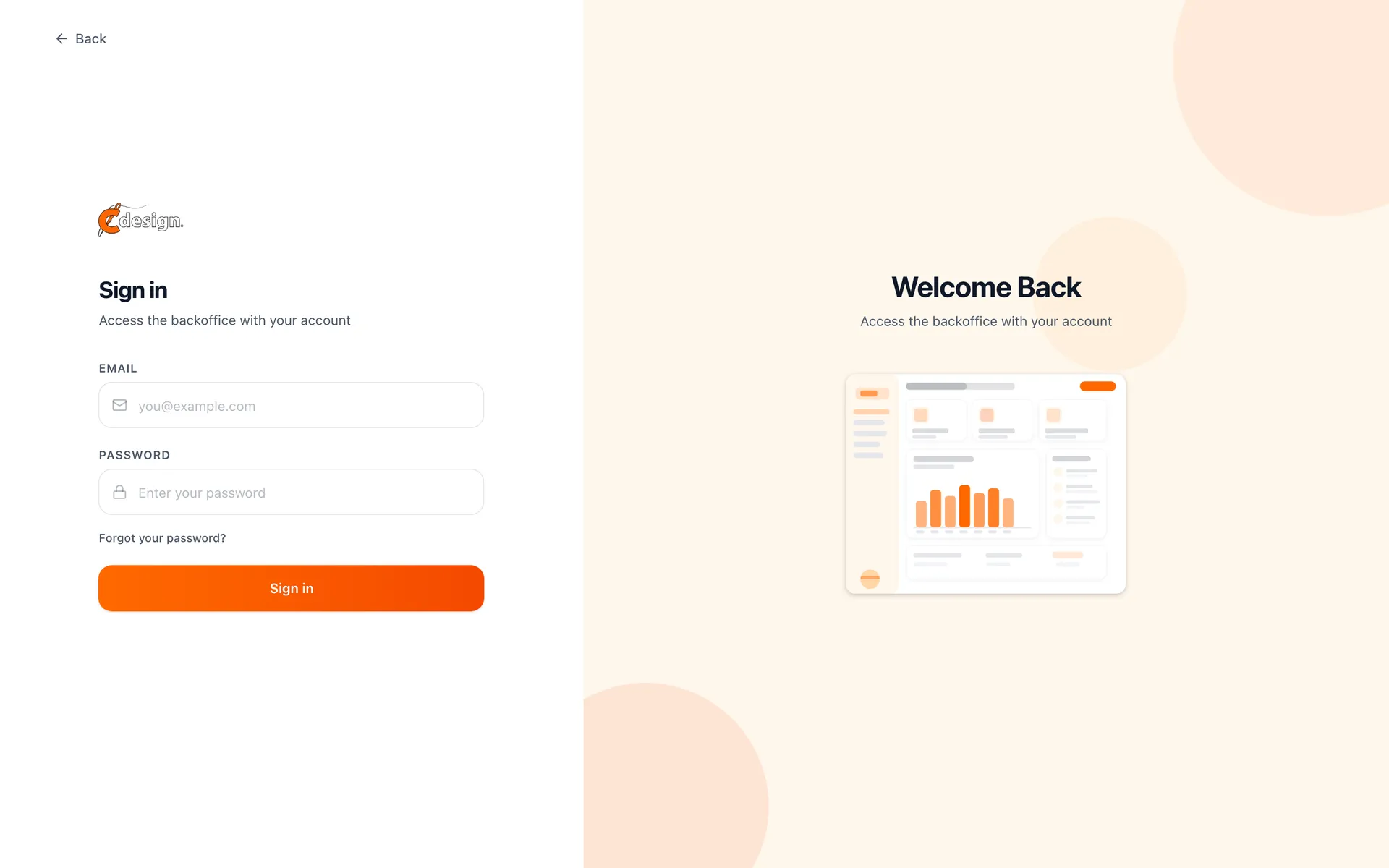
Back office list of customer estimates with status, product count, amount and priorityBack office detail of one estimate with the customer, the configuration and the statusBack office product catalogueBack office dialog to create a product with type, colours, sizes and pricesBack office blog article managementBack office list of school campaignsBack office orders received for one school campaignBack office estimates list on a phoneC Design back office sign-in page
Go back to projects